
This post may contain affiliate links. If you buy something through one of these links, Tech Info Central may earn a small commission at no extra cost to you.
This OrCam MyEye 3 Pro review examines a wearable visual-assistance device designed to help blind and low-vision users access printed text and visual information more independently.
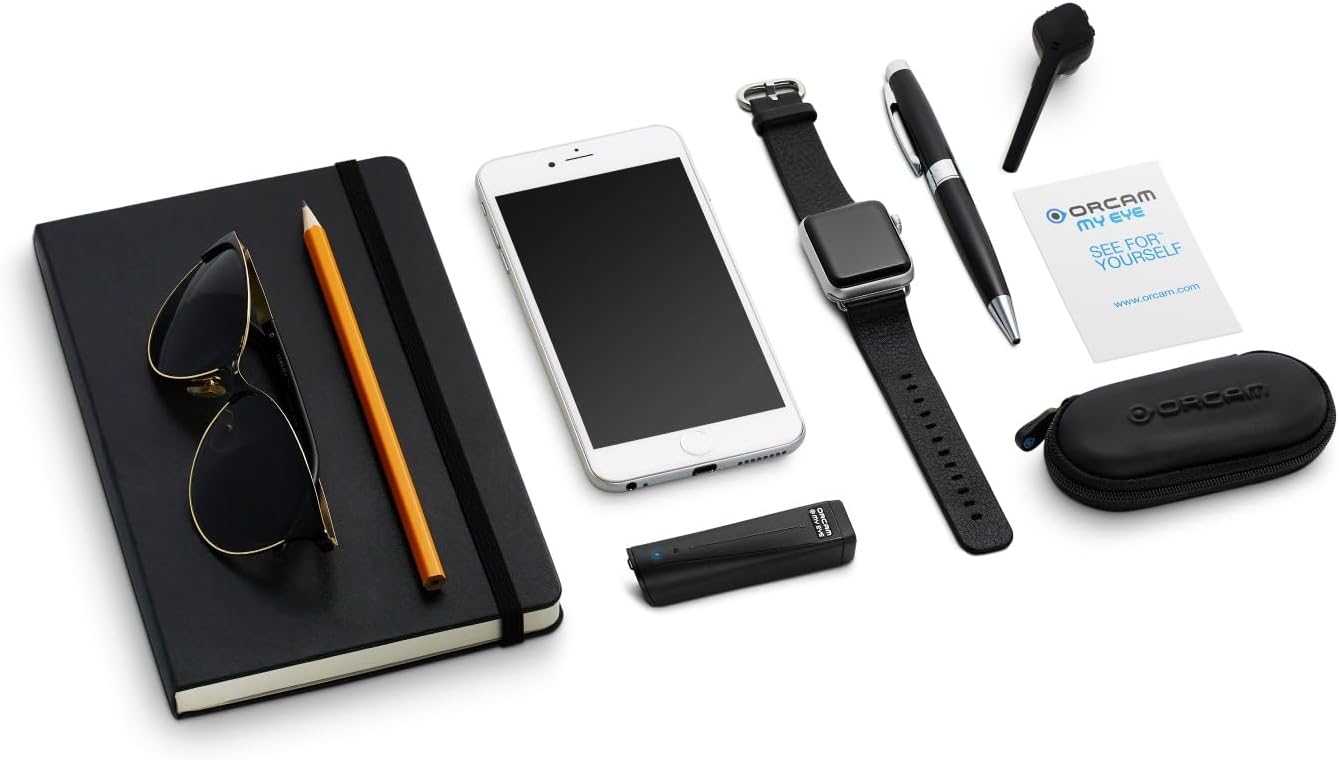
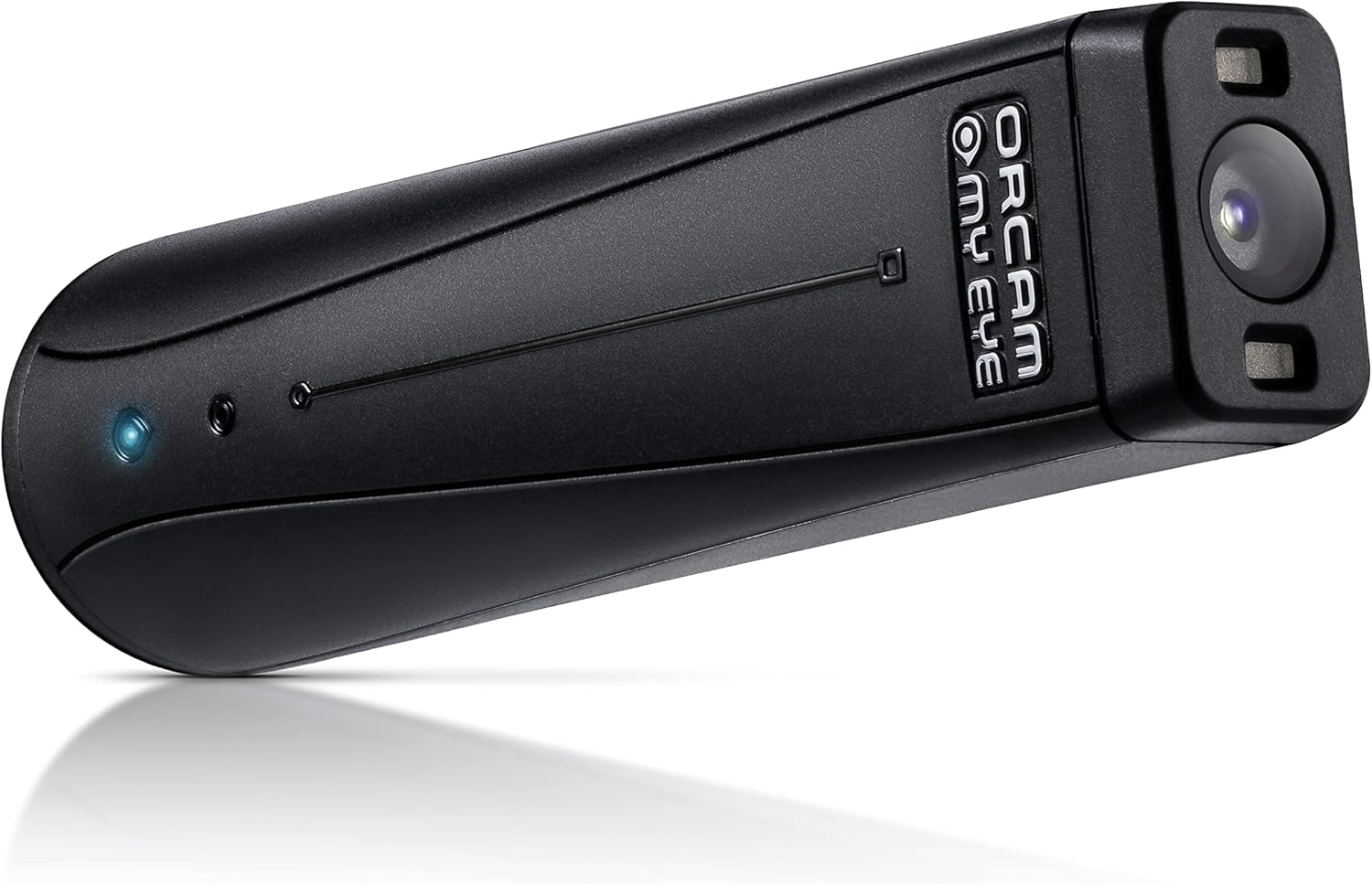
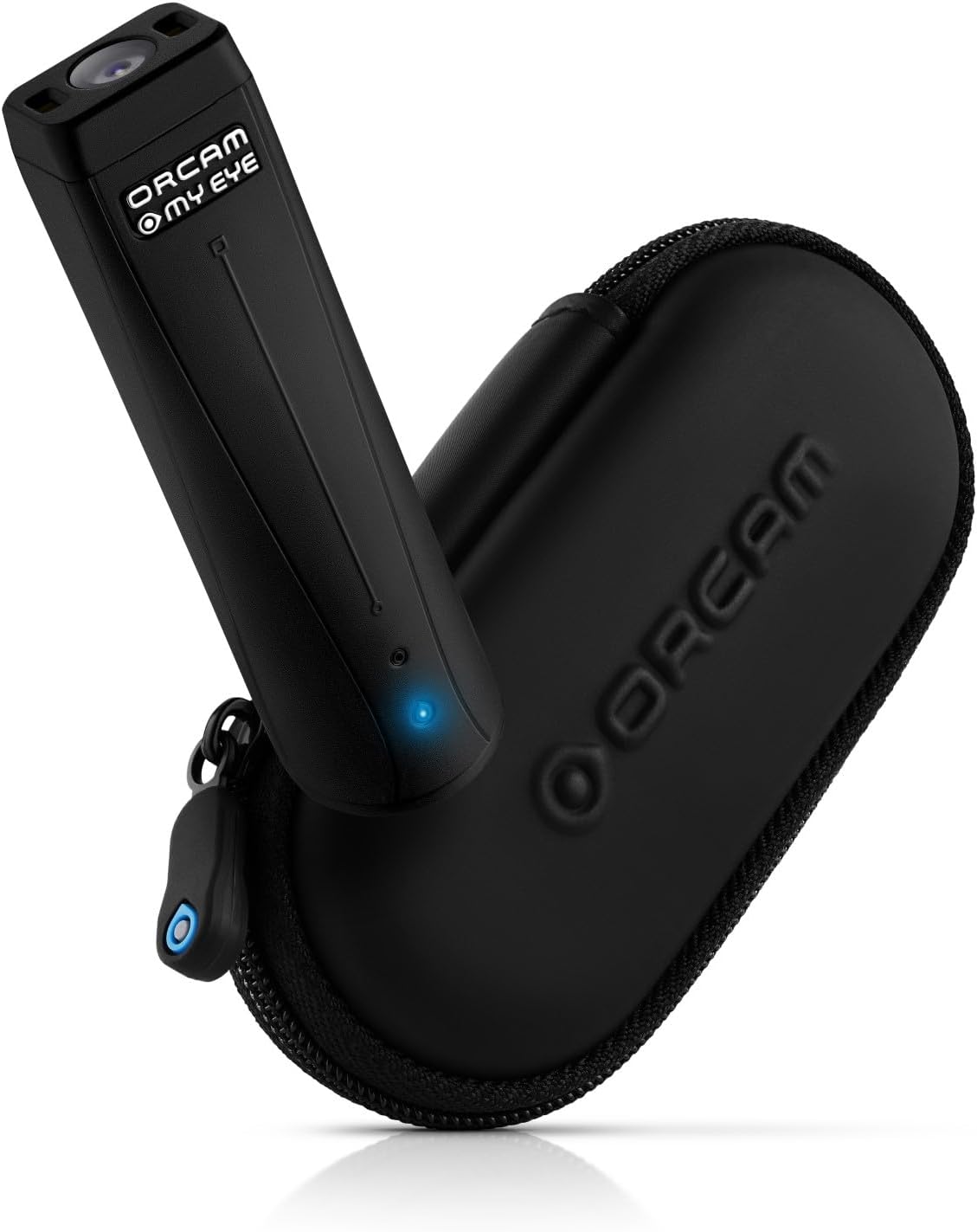
The small camera unit attaches magnetically to a pair of glasses.
From there, it can read text aloud, recognise previously stored faces, identify products and colours, recognise money notes and interact with written information using OrCam’s AI tools.
The MyEye 3 Pro is very different from a general-purpose smart-glasses product.
It is specialised assistive technology, and its price reflects that.
That makes this a purchase that deserves careful evaluation rather than breathless claims about AI changing someone’s life.
OrCam MyEye 3 Pro key specifications
| Camera | 13MP |
| Weight | 22.5g |
| Dimensions | 76 × 21 × 14.9mm |
| Active battery use | Approx. 1.5 to 2 hours |
| Device languages | More than 20 |
| Text translation | More than 140 languages |
| Main controls | Voice, touch bar and gestures |
| Key functions | Text reading, faces, products, money, barcodes and colours |
| Magnification | Smart Magnifier support |
| AI | Just Ask assistant |
What does the OrCam MyEye 3 Pro actually do?
The basic idea is straightforward.
A camera captures what the wearer is looking towards and software extracts useful information.
For text, that means turning printed or digital words into speech.
A user can point towards a page, sign or screen and have compatible text read aloud.
OrCam also supports smart reading commands that can help locate particular pieces of information rather than forcing the user to listen to an entire page.
That distinction matters.
Reading every word on a restaurant menu is one thing.
Being able to ask the device to locate a heading or specific type of information can make the process far more efficient.
The AI assistant is the major difference
The MyEye 3 Pro adds OrCam’s Just Ask AI assistant.
The feature can answer questions about text, summarise written information and make use of information captured by the device.
This expands the device beyond basic optical character recognition.
Instead of merely reading a block of text, the system can help interpret or summarise what has been captured.
That could be useful for long letters, printed documents, instructions and other dense material.
AI-generated answers can still make mistakes, so important information should be independently checked where accuracy matters, particularly around medication, finances or legal documents.
Reading printed and digital text
Text recognition remains the core reason many people will consider the MyEye.
It can work with books, letters, menus, labels and screens.
OrCam also advertises handwriting recognition on the MyEye 3 Pro.
Performance will naturally depend on lighting, text clarity, handwriting quality and how well the camera can see the material.
This is why a demonstration is far more useful than simply reading a specification sheet.
Assistive technology is personal.
Something that transforms one person’s workflow may feel awkward to another.
Recognising faces
The device can be taught to recognise particular faces.
Once stored, it can announce the identity when it recognises that person.
That can be useful in social, workplace or family environments.
It is important to understand the scope of the feature.
Face recognition is an aid, not a guarantee. Lighting, angle and other visual conditions can affect computer-vision systems.
It should therefore be treated as additional information rather than a perfect substitute for other cues.
Product, barcode, colour and money recognition
The MyEye platform can also identify products, barcodes, colours and supported money notes.
These functions address very ordinary tasks.
Checking the colour of clothing, distinguishing packages or identifying a banknote may sound mundane to a sighted user.
That is precisely why they matter.
Good assistive technology often has its biggest impact by reducing friction in small tasks repeated throughout the day.
Smart Magnifier for low-vision users
The MyEye 3 Pro also incorporates OrCam’s Smart Magnifier features.
Users can zoom text, change contrast, extract text from images and convert captured text into digital information.
That gives the system a different role for people who retain useful vision.
Instead of replacing visual reading entirely with speech, magnification and contrast adjustments can help make existing vision more useful.
Again, this is an area where individual needs matter enormously.
Someone considering a device at this price should ideally try the magnification functions personally before buying.
Language support
OrCam says the wearable itself is available in more than 20 languages.
The MyEye 3 Pro’s translation system can work with text across a much wider range of languages.
Those are two different things, so they should not be confused.
The device interface and spoken-language support are narrower than the range of languages the AI translation feature can process.
If you require a particular language, verify that exact language and voice combination with OrCam before purchasing.
Battery life is a real limitation
OrCam lists approximately 1.5 to two hours of active use.
That is one of the product’s clearest practical limitations.
The device is extremely small and lightweight, so there is an understandable engineering trade-off between size and battery capacity.
Still, somebody expecting continuous all-day active operation will need to plan around charging and periods of intermittent use.
For occasional reading and identification tasks, that may be manageable.
For heavy daily use, it deserves serious consideration.
It weighs only 22.5g
The device itself weighs 22.5g.
That is important because anything attached to glasses can become uncomfortable if it is too heavy.
The magnetic mounting system allows the unit to attach to eyewear rather than requiring the user to wear a dedicated set of smart glasses.
Comfort will still depend on the glasses, mounting position and the individual wearer.
This is another reason a real-world demonstration is valuable.
What the MyEye 3 Pro should not be treated as
The MyEye 3 Pro can provide useful information about text, objects and recognised visual content.
It should not be presented as a replacement for a white cane, guide dog, mobility training or other orientation and mobility tools.
Computer vision can make errors.
Environmental safety is too important to imply that a wearable camera guarantees safe independent navigation.
The price is the hardest part
This is a serious purchase costing several thousand dollars.
The value calculation is therefore very different from buying a smartphone or pair of headphones.
If the device significantly improves access to text or makes recurring everyday tasks easier for a particular user, the value may be substantial.
If somebody only uses one or two functions occasionally, lower-cost phone applications or dedicated magnifiers may cover enough of the same needs to make the expense difficult to justify.
There is no universal answer.
OrCam MyEye 3 Pro pros and cons
Pros
- Extremely lightweight wearable design
- Reads printed and digital text aloud
- Smart text search and reading controls
- Recognises stored faces
- Product, barcode, colour and money recognition
- AI-assisted text questions and summaries
- Smart Magnifier functionality
- Handwriting recognition
- Broad translation support
Cons
- Very expensive
- Approximately 1.5 to two hours of active battery use
- Effectiveness varies by individual needs
- Computer vision can make mistakes
- Requires learning and practice
- Some AI functions depend on more than purely offline recognition
Who should consider the OrCam MyEye 3 Pro?
The MyEye 3 Pro is designed for blind and low-vision users who regularly need assistance accessing printed and visual information.
It may be particularly useful for somebody who reads labels, documents, menus or screens frequently and prefers a wearable system instead of repeatedly holding up a phone.
Because needs differ so much, the strongest advice is simple: try one before buying if at all possible.
A demonstration through OrCam, a low-vision service or an assistive-technology specialist can tell you far more than a specification sheet.
Final verdict
The OrCam MyEye 3 Pro is impressive because it focuses AI on practical accessibility problems rather than novelty.
Text reading, smart searching, magnification and recognition features address genuine everyday tasks.
The limitation is equally obvious.
At several thousand dollars, it needs to solve enough of those tasks for a specific user to justify the investment.
That is why this should not be treated like a normal gadget purchase.
The right question is not whether the MyEye 3 Pro has the most impressive specification sheet.
It is whether its particular combination of features matches the needs of the person who will actually wear it.