This post may contain affiliate links. If you buy something through one of these links, Tech Info Central may earn a small commission at no extra cost to you.
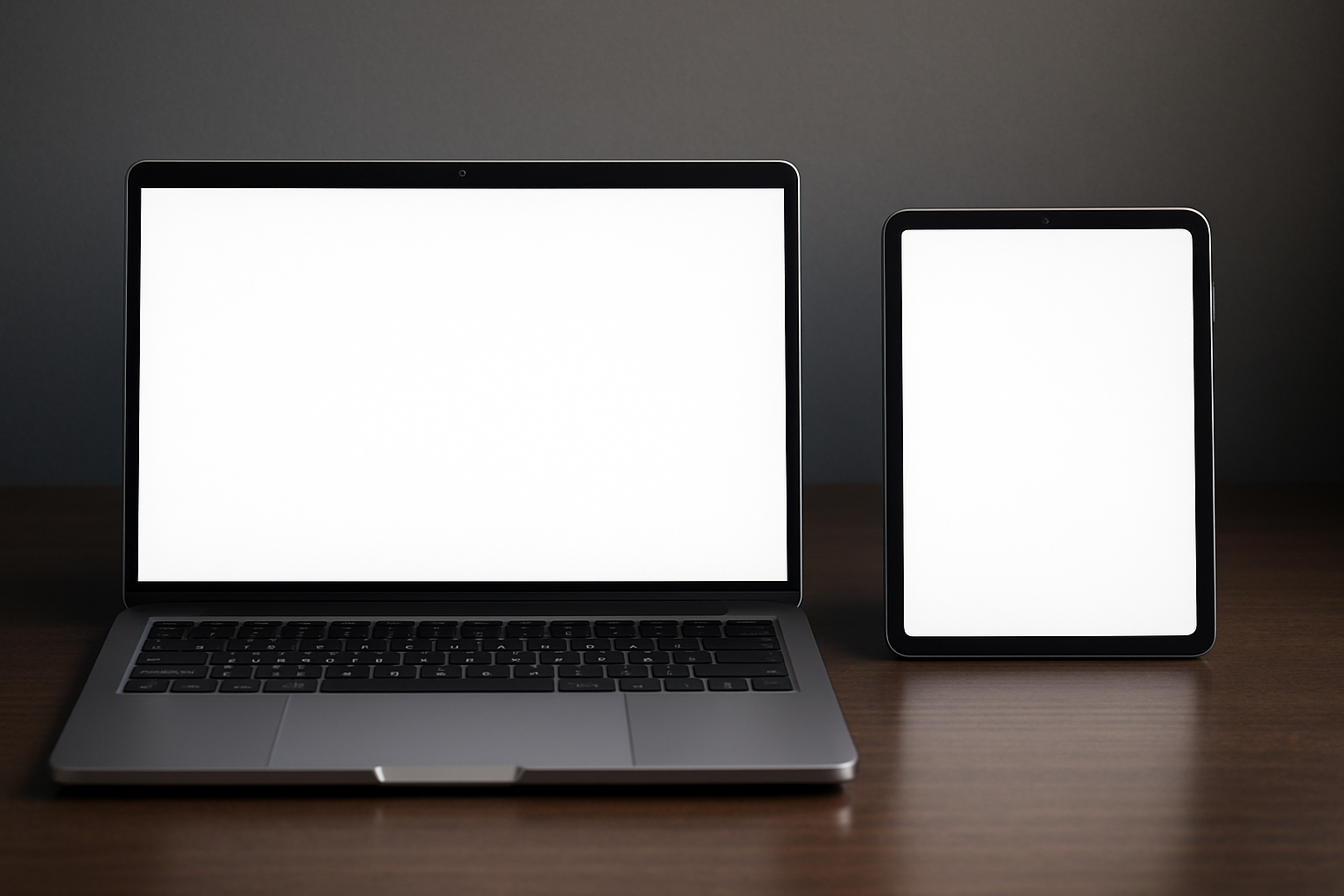
Laptop vs tablet has become a much harder choice than it was a few years ago because modern tablets can now handle work that once required a traditional computer.
A good tablet can edit photographs, cut video, run office applications, connect to a keyboard and mouse, drive an external display and handle hours of web-based work. Some models have processors powerful enough to compete with premium laptops.
That raises an obvious question. Do most people still need a PC?
For light computing, the answer has changed considerably. A tablet genuinely can replace a laptop for some people. For demanding work, gaming, specialised software and anyone who wants greater control over their files and hardware, a proper computer still has important advantages.
The real choice is no longer about which device is more powerful on paper. It is about the type of work you expect to do.
Tablets Have Become Serious Computers
The old idea that tablets are mainly for Netflix, web browsing and games feels dated in 2026.
Attach a keyboard to a premium tablet and you can comfortably write documents, manage email, attend video calls, edit photos and run several productivity applications.
For a student taking notes, a traveller answering emails or somebody whose working day happens mainly inside a browser, that may be enough.
Tablets also have several natural advantages.
They wake instantly, usually offer excellent battery life and are considerably easier to carry than a full-sized laptop. Touchscreens make them particularly good for handwritten notes, drawing and reading.
A tablet can also switch roles very quickly. Remove the keyboard and it becomes an entertainment device. Add a stylus and it becomes a digital notebook or drawing surface.
That versatility explains why the laptop vs tablet argument is much closer than it once was.

Laptop vs Tablet: The Key Differences
| Feature | Laptop or Desktop PC | Tablet |
|---|---|---|
| Portability | Good to moderate | Excellent |
| Touch interface | Depends on model | Standard |
| Full desktop software | Excellent | More limited |
| Multitasking | Excellent | Good and improving |
| Gaming | Excellent on suitable hardware | Primarily mobile and cloud gaming |
| Upgradeability | Varies, excellent on desktops | Almost none |
| Ports | Usually more | Usually fewer |
| Keyboard | Built in on laptops | Usually an extra purchase |
| Battery life | Varies widely | Often excellent |
| File management | Full control | More restricted |
| Drawing and handwriting | Requires suitable hardware | Excellent on supported models |
Where a PC Still Has the Advantage
The strongest argument for a PC has little to do with basic web browsing.
It becomes obvious when you move beyond basic tasks.
A Windows, macOS or Linux computer gives you access to mature desktop software and workflows that remain difficult to reproduce completely on a mobile operating system.
Video editing provides a good example. You can edit impressive projects on a tablet, but larger projects involving extensive footage, external storage, plug-ins, multiple displays and more complicated media management remain easier to handle on a desktop-class system.
The same applies to professional music production, software development, 3D modelling, engineering applications, advanced spreadsheets and many specialist business applications.
The distinction is increasingly about flexibility rather than raw processor speed.
A tablet may contain an extraordinarily fast processor and still feel restrictive if the software you require cannot use it in the way you need.

Multitasking Still Feels Better on a Computer
Modern tablets have improved dramatically at multitasking.
You can place applications beside each other, move windows around and connect some tablets to large displays.
A conventional computer still gives the user more freedom.
Imagine researching an article with twenty browser tabs open, WordPress on one side of the display, an image editor running beside it, several folders open and a messaging application in the background.
That sort of messy real-world workflow is exactly what desktop operating systems are good at.
It is rarely elegant, but productivity is sometimes messy.
A tablet tends to encourage a more focused one-app-at-a-time approach. That can actually be beneficial when writing or studying, but it becomes frustrating when a job requires information to move constantly between several applications.
File Management Matters More Than It Sounds
File management rarely appears in flashy adverts, yet it can determine whether a device feels liberating or irritating.
On a PC, you can create whatever folder structure you want, move large groups of files, rename batches of items, connect network storage, work directly from external drives and choose which applications open particular file types.
Tablets have become much better in this area, but mobile operating systems still place more boundaries around how applications and files interact.
For casual users, those boundaries may never matter.
For photographers, musicians, developers, office workers and anyone managing large amounts of data, they can matter every day.
The Upgrade Question
Desktop PCs retain another major advantage: they can often be upgraded.
A desktop that begins with 16GB of memory and 1TB of storage may later receive more RAM, another SSD or a new graphics card.
That can significantly extend its useful life.
Traditional laptops offer less upgradeability than desktops, and many modern premium laptops have soldered components, so the old assumption that every PC can be upgraded no longer holds true.
Even so, storage expansion, external peripherals and repair options are generally broader in the PC world.
Tablets are much more tightly integrated. The memory and internal storage you buy on day one will normally stay with the device for its entire life.
That makes choosing the right configuration particularly important.
Gaming Is Still a Major PC Advantage
Mobile gaming has grown enormously, and cloud gaming allows tablets to stream games that their own hardware could never render locally.
A gaming PC still offers a very different experience.
The enormous Windows game library, support for multiple digital stores, graphics settings, mods, ultrawide monitors, high-refresh-rate displays, racing wheels, flight controls and virtually every mainstream gamepad make the PC unusually flexible.
A tablet is excellent for mobile games and surprisingly capable as a cloud-gaming screen.
A PC remains the stronger choice for somebody building their entire setup around gaming.
Where the Tablet Wins
There are plenty of situations where buying a laptop simply adds weight and complexity.
A tablet makes more sense for people who mainly:
- browse the web
- watch films and television
- use social media
- read books or documents
- answer email
- attend video meetings
- write shorter documents
- take handwritten notes
- draw with a stylus
- travel frequently
Add a good keyboard and the gap becomes smaller still.
For many university students, sales professionals and frequent travellers, a tablet can realistically become the main computer.
Where a Laptop Makes More Sense
Choose a laptop when you regularly need:
- desktop applications
- advanced WordPress or website work
- large spreadsheets
- extensive file management
- professional creative software
- multiple peripherals
- several applications visible at once
- software development tools
- PC gaming
- specialised business software
A laptop sacrifices some of the tablet’s simplicity, but gives you considerably more room to change the way you work.

What About 2-in-1 PCs?
There is also a middle ground.
Convertible and detachable Windows PCs provide a touchscreen and tablet-style form factor while retaining a desktop operating system.
They can make sense for somebody who likes the physical flexibility of a tablet but still needs Windows applications.
The compromise is that they can feel heavier and less natural as tablets than devices designed around touch from the beginning.
Still, for the right user, a 2-in-1 can remove the need to own two separate machines.

Final Verdict
The laptop vs tablet decision in 2026 has no universal winner.
A tablet has become powerful enough to serve as the main computer for a surprisingly large group of people. If your day revolves around browsing, communication, documents, streaming, drawing and lightweight creative work, carrying a traditional laptop may add little value.
A PC earns its place when your work becomes more complicated.
Full desktop software, stronger multitasking, deeper file management, extensive peripherals and the ability to handle unusual workflows still give laptops and desktops an important advantage.
Before buying either device, ignore the processor benchmarks for a moment and list the applications and tasks you actually use.
If everything you need fits comfortably into a tablet workflow, enjoy the portability.
If your work regularly pushes beyond those boundaries, the traditional PC still has plenty of life left in it.