

This post may contain affiliate links. If you buy something through one of these links, Tech Info Central may earn a small commission at no extra cost to you.
Hostinger review shoppers are often attracted by the company’s very low introductory prices, but the real decision should include renewal costs, limits and the tools bundled with each plan.
Hostinger has grown far beyond basic shared hosting. Its current platform includes managed WordPress tools, website building, email options, backups, SSL, CDN features and AI-assisted site management on selected plans.
The service can offer excellent value, especially for smaller sites, provided you understand the pricing structure.
Hostinger at a Glance
| Feature | Details |
|---|---|
| Entry web-hosting pricing | Promotional pricing can start around a few dollars per month |
| Contract | Lowest prices usually require a long upfront term |
| SSL | Included on current web-hosting plans |
| Domain | Free first-year domain on eligible plans |
| Backups | Varies by plan, with weekly or more frequent options |
| WordPress | Managed WordPress tools available |
| Support | 24/7 support |
| Money-back period | 30 days on eligible hosting purchases |
The Introductory Price Is Only Half the Story
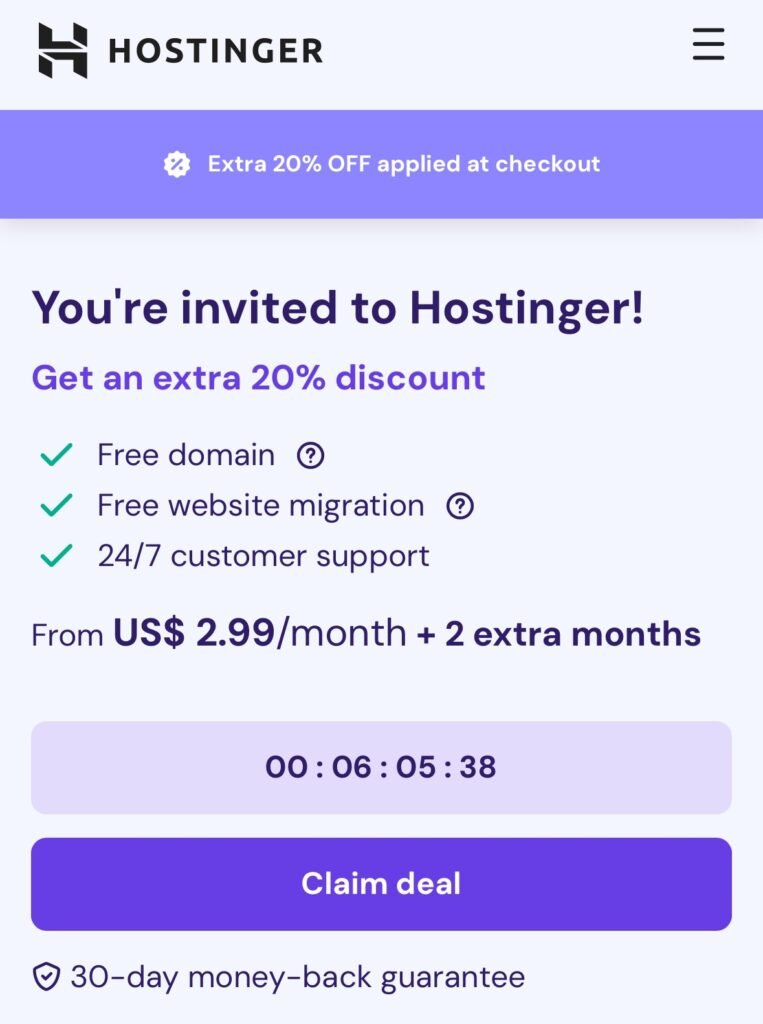
Hostinger frequently advertises aggressive introductory discounts.
For example, current promotional pages may show entry plans around .99 per month when purchased for a long term. The important figure sits beside that price: the renewal rate can be substantially higher.
That does not make the deal bad. It means the correct comparison is total cost over several years, not the number printed largest on the sales page.
WordPress Is One of Hostinger’s Strongest Use Cases
For small and medium WordPress sites, Hostinger offers a useful mixture of convenience and control.
You get SSL, installation tools, caching and performance features, and a custom control panel that is generally easier for beginners than a traditional server-management interface.
The platform is particularly attractive for people who want to run WordPress without managing every server component manually.
hPanel Is Beginner-Friendly
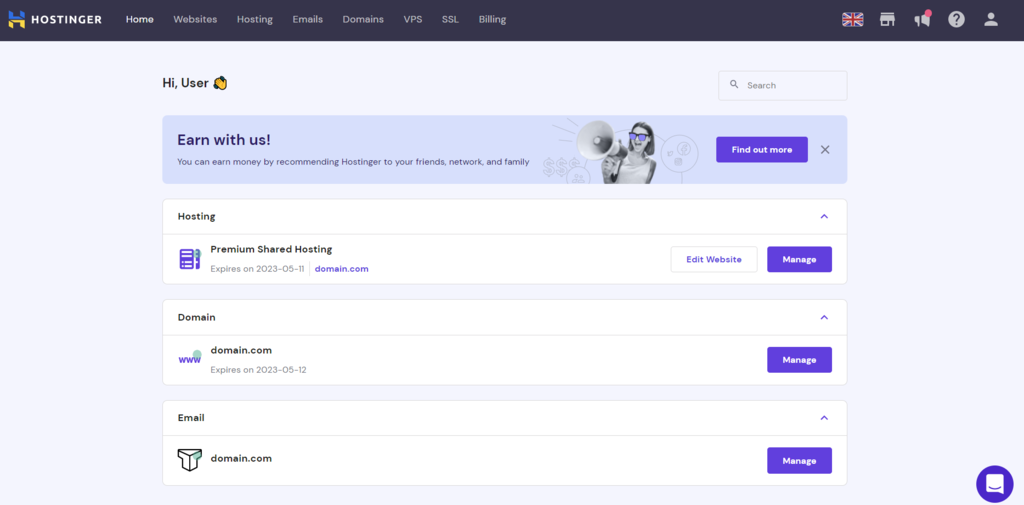
Hostinger uses its own hPanel rather than cPanel on standard hosting products.
That is neither automatically better nor worse. hPanel has a clean layout and makes common jobs such as domain management, backups, email and WordPress administration straightforward.
Users moving from a cPanel-based host may need time to adjust, while beginners may actually find hPanel easier.
Performance Depends on the Plan and Site
No shared host can guarantee identical performance for every website.
Page speed depends on theme quality, plugins, database size, caching, image optimisation, traffic and the resources allocated by the hosting plan.
Hostinger provides a strong foundation for ordinary WordPress sites, but a badly optimised site will remain slow on good hosting.
Very high-traffic or resource-heavy projects may eventually need cloud, VPS or more specialised infrastructure.
Backups and Security Need Attention
Current plans include varying backup schedules. Do not assume every plan offers the same retention or frequency.
A website owner should still maintain an independent backup strategy. Hosting-level backups are useful, but keeping another recoverable copy protects you if an account problem, accidental deletion or corrupted backup affects the host itself.
SSL and server-level security tools are welcome, but they do not replace keeping WordPress, themes and plugins updated.
Email and Domain Extras
Some Hostinger packages include a domain for the first year and a limited number of email mailboxes for an introductory period.
Read the exact plan description before purchase because inclusions change over time and vary by market.
That small print matters when comparing Hostinger with a host whose headline price excludes email or domain registration entirely.
Who Should Use Hostinger?
Hostinger is a strong fit for bloggers, affiliate sites, small businesses, portfolios and users building their first WordPress site.
It is less ideal for somebody who specifically needs cPanel, highly specialised server configurations or enterprise-grade support arrangements.
Pros
- Very competitive introductory pricing
- Beginner-friendly hPanel
- Good WordPress tooling
- SSL included
- Useful bundled features
- 24/7 support
- 30-day money-back period on eligible products
Cons
- Renewal pricing can be much higher
- Best prices require long commitments
- Plan limits and included extras vary
- hPanel may not suit users who specifically want cPanel
Final Verdict
Hostinger remains one of the easiest web hosts to recommend to price-conscious WordPress users, but only when the renewal price is part of the calculation.
The platform combines approachable management tools with enough performance and WordPress features for many small and medium sites.
Buy it because the total package suits your site, not simply because the first advertised monthly figure looks cheap.