

This post may contain affiliate links. If you buy something through one of these links, Tech Info Central may earn a small commission at no extra cost to you.
A Gigabyte Aorus Master 16 review has to begin with expectations, because this is not a laptop built around restraint.
The Aorus Master 16 targets buyers who want desktop-class gaming performance in a machine they can still carry. High-end configurations pair Intel Core Ultra processors with NVIDIA GeForce RTX 50-series laptop graphics, backed by a fast display and an aggressive cooling system.
That makes it powerful. It also makes it expensive, heavy and difficult to justify if you are not going to use that performance.

Performance Is the Main Reason to Buy It
A laptop like this lives or dies by sustained performance.
The high-end Aorus Master 16 configurations are designed for demanding games, GPU-accelerated creative work, 3D rendering and other workloads that can use a powerful processor and discrete GPU at the same time.
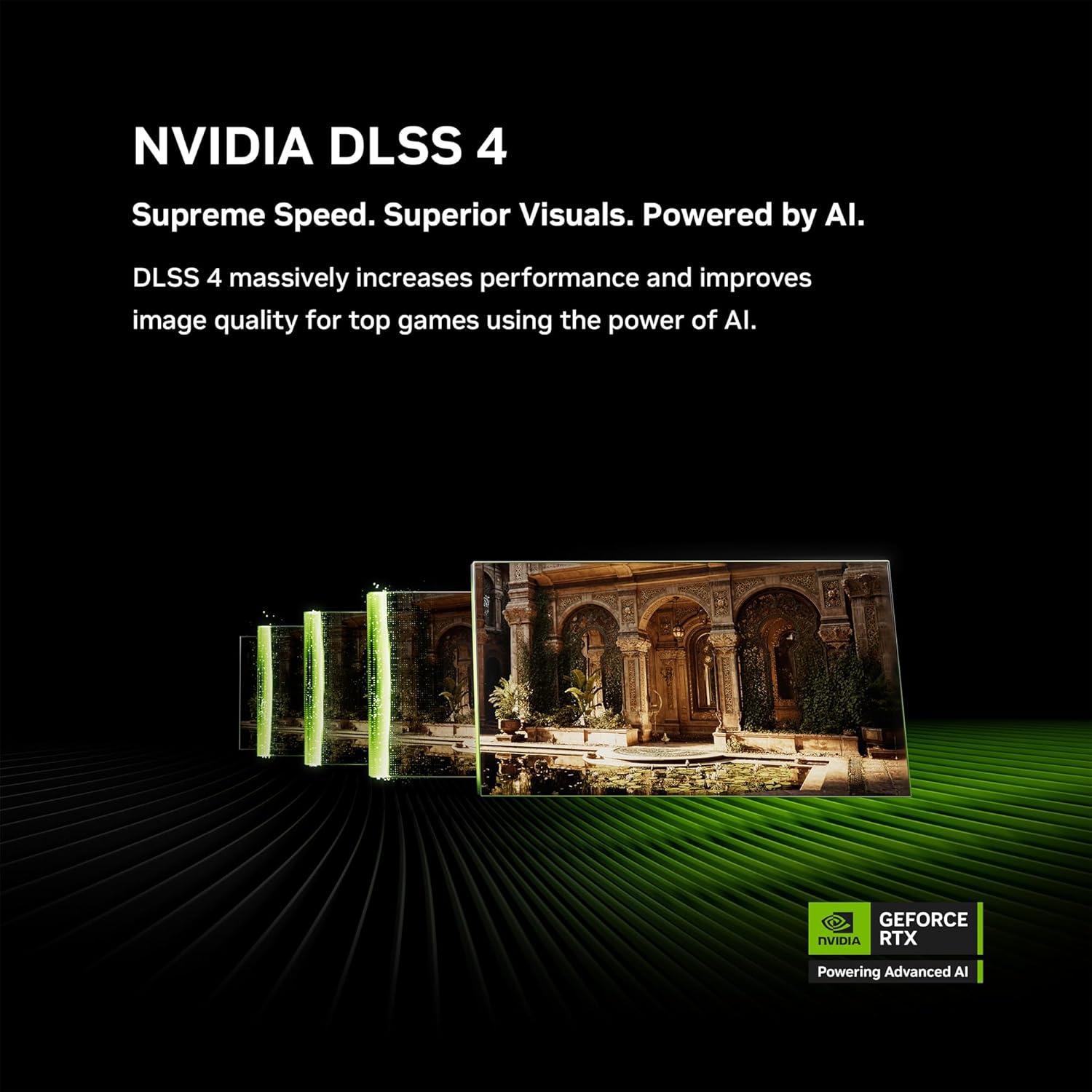
An RTX 50-series laptop GPU also gives access to NVIDIA’s current feature set, including modern DLSS technologies where supported.
Do not compare a laptop GPU to its desktop namesake purely by model number. Power limits, cooling and chassis design all influence actual performance.
What matters is that the Master 16 sits firmly in the high-performance gaming category rather than pretending to be an ultraportable with gaming credentials.
The 16-Inch Format Makes Sense
Sixteen-inch gaming laptops have become popular because they give manufacturers enough room for cooling and a large display without becoming as awkward as older 17-inch machines.
The Aorus uses that space for a high-refresh panel suited to fast games and creative work.
A good gaming display needs more than refresh rate. Resolution, response behaviour, brightness, colour coverage and adaptive-sync support all affect the experience.
The practical advantage is simple: the screen is large enough to use as a primary display when you are away from a desk, while external monitors can still be connected at home.
Cooling Determines How Much Performance You Actually Get
Powerful mobile hardware creates heat quickly.
Gigabyte has to balance fan noise, surface temperature and sustained clock speeds. Under a light workload the machine can behave like a normal laptop, but gaming or rendering will push the cooling system much harder.

Expect the fans to become clearly audible.
That is normal for this class, but it is worth understanding before buying. A thinner gaming laptop can look more elegant while losing performance because the cooling system has less room to work.
The Master 16 leans towards performance first.
Build Quality Is More Complicated
One of the main criticisms of expensive gaming laptops is that a high price does not always translate into an all-metal luxury chassis.
The Aorus Master 16 mixes premium ambitions with gaming styling and plastic in parts of the construction. The lighting is bold, which will appeal to some buyers and immediately put off others.

At this price, buyers are right to expect a machine that feels special.
The question is whether you care more about internal hardware than understated materials.
If the laptop will spend most of its life on a desk connected to peripherals, build compromises may matter less. If you travel with it every day, weight, rigidity and finish become much more important.
Ports Matter on a Gaming Laptop
A high-end gaming system should let you connect external displays, storage, Ethernet, audio equipment and controllers without living through a pile of dongles.
That is one area where larger gaming laptops usually beat thin productivity machines.
Check the exact configuration sold in your region because port selection can vary by revision.
For a desktop-replacement setup, the best layout is one that keeps permanent cables towards the rear or sides without crowding the mouse area.
Battery Life Is Not the Priority
You can use a machine like this away from the charger, but maximum gaming performance requires mains power.
The CPU, GPU and high-refresh display can consume far more energy than an ordinary office laptop. Battery-saving modes can extend useful runtime for browsing or documents, but that changes the character of the machine.
Buy the Master 16 because you need portable performance, not because you want an all-day travel laptop.
Who Should Buy It?
The Aorus Master 16 makes sense for:
- serious PC gamers
- creators who use GPU-accelerated software
- people replacing a desktop with one powerful machine
- students or professionals who need high performance in several locations
- users who value upgradeable storage and gaming-focused connectivity
It makes less sense for anyone who mostly browses, streams and writes documents.
Pros
- Very high gaming performance in suitable configurations
- Powerful NVIDIA graphics options
- Fast 16-inch display
- Strong desktop-replacement potential
- Plenty of room for demanding creative applications
- Gaming-focused connectivity
Cons
- High price
- Heavy compared with normal laptops
- Fans become loud under sustained load
- Battery life is secondary
- Styling and material choices will divide opinion
Buy Now on Amazon
Fast delivery, secure checkout, and reliable Amazon service.
Final Verdict
The Gigabyte Aorus Master 16 is easy to understand once you stop asking it to behave like an ordinary laptop.
It is a portable performance machine.
If you need RTX 50-series graphics, a powerful processor and a large high-refresh display in one system, it can replace a substantial desktop setup.
If you spend most of your day in a browser, the cost and weight make very little sense.
The strongest reason to buy it is also the simplest: you know you will use the performance.