
This post may contain affiliate links. If you buy something through one of these links, Tech Info Central may earn a small commission at no extra cost to you.
A Galaxy Tab S11 Ultra review makes the most sense when you treat Samsung’s largest tablet as a portable digital canvas rather than an oversized media tablet.
Its 14.6-inch Dynamic AMOLED 2X display is enormous by tablet standards. Pair that with a redesigned S Pen, high-end Android hardware and Samsung DeX, and the Tab S11 Ultra starts to overlap with laptops.
The overlap is impressive, but it is not complete.
The 14.6-Inch Display Defines the Experience
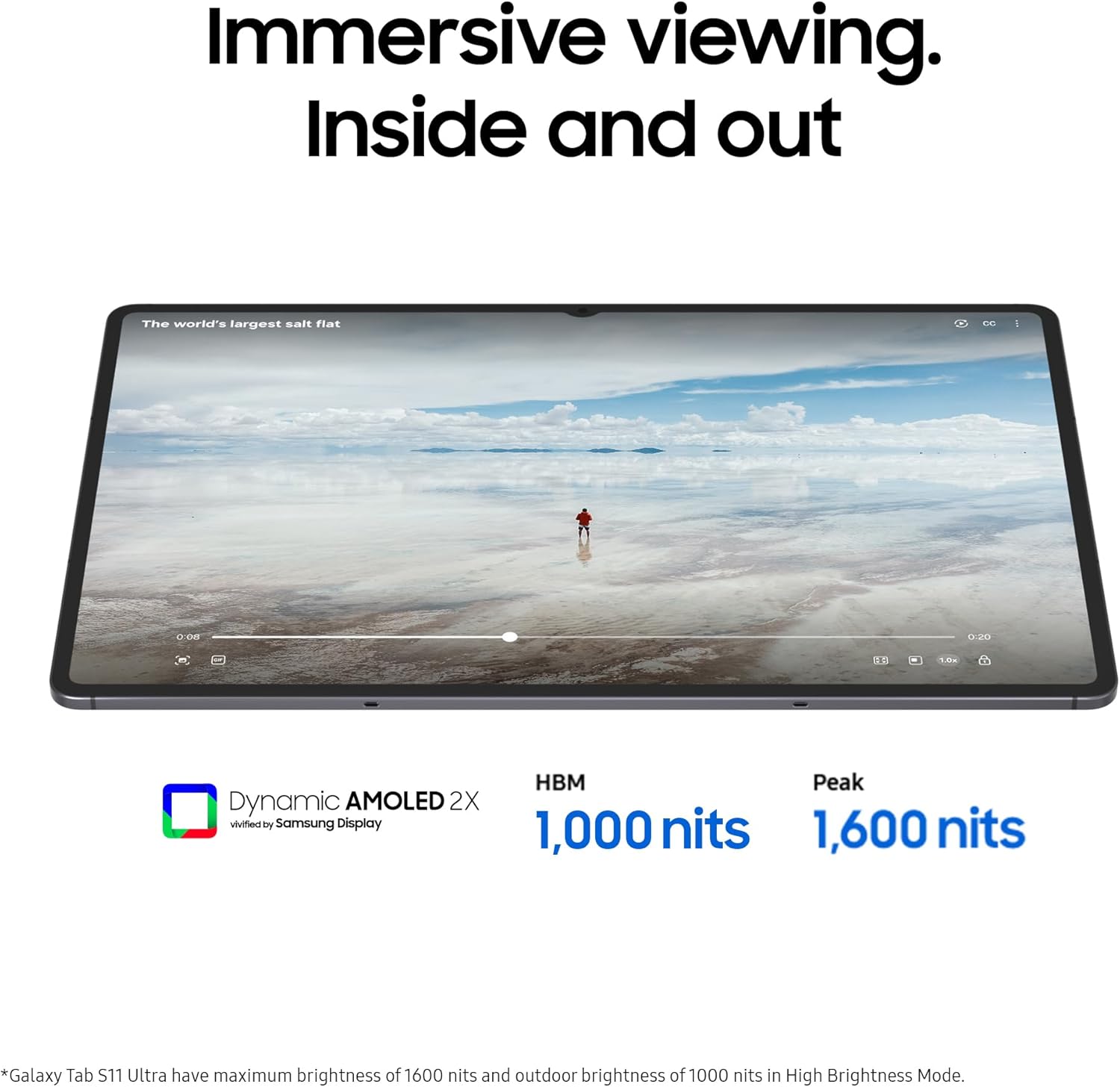
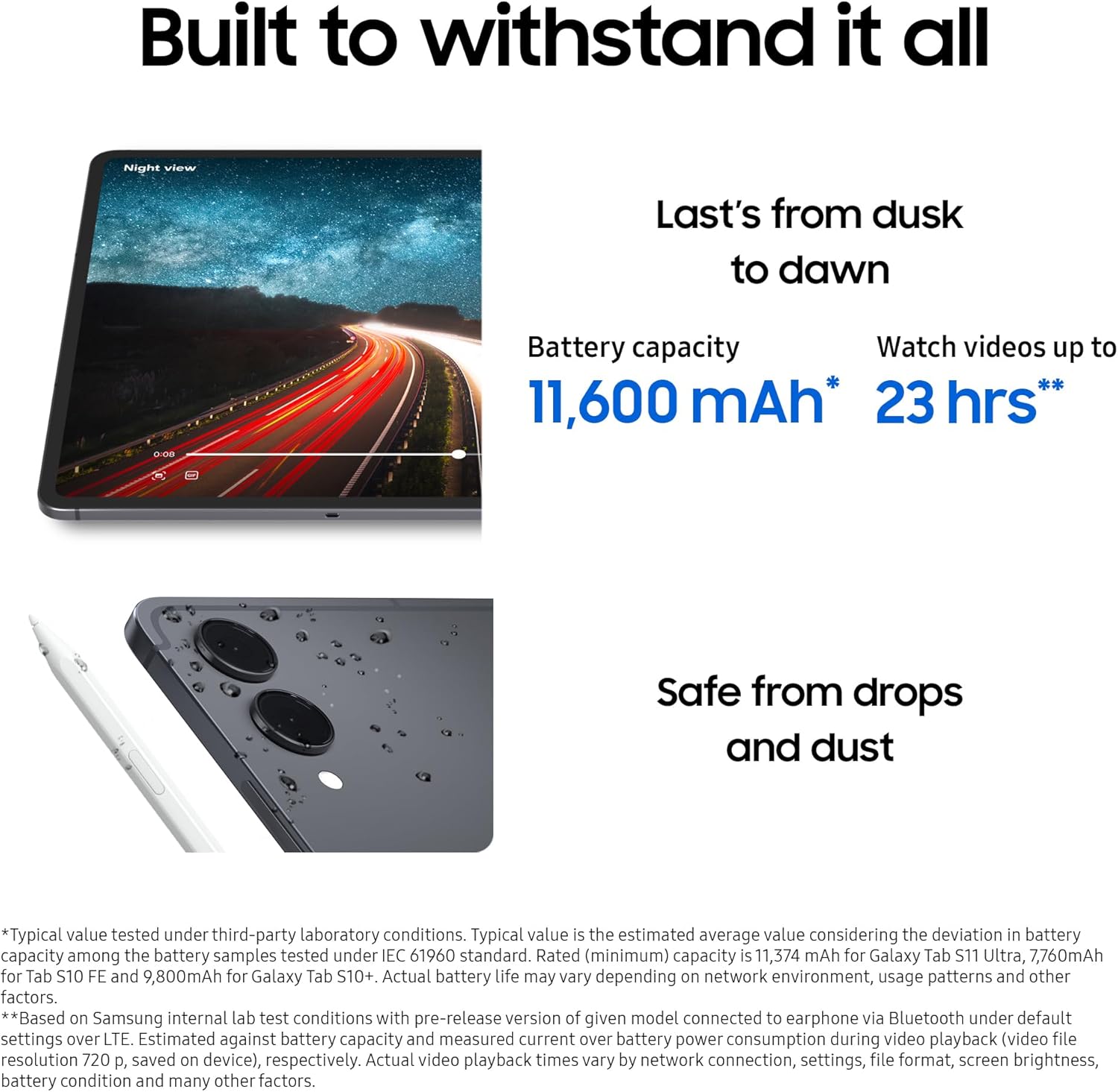
The display runs at 2960 x 1848 with refresh rates up to 120Hz.
That gives artists, photographers and video editors a large, smooth surface for timelines, tool palettes and detailed work.
Samsung also pushes brightness and anti-reflection improvements to make the screen easier to use in varied lighting.
A display this large is wonderful on a desk.
In the hand, it changes the meaning of portability. The Tab S11 Ultra is thin, but its footprint is closer to a laptop than a paperback.
The S Pen Is More Than an Accessory
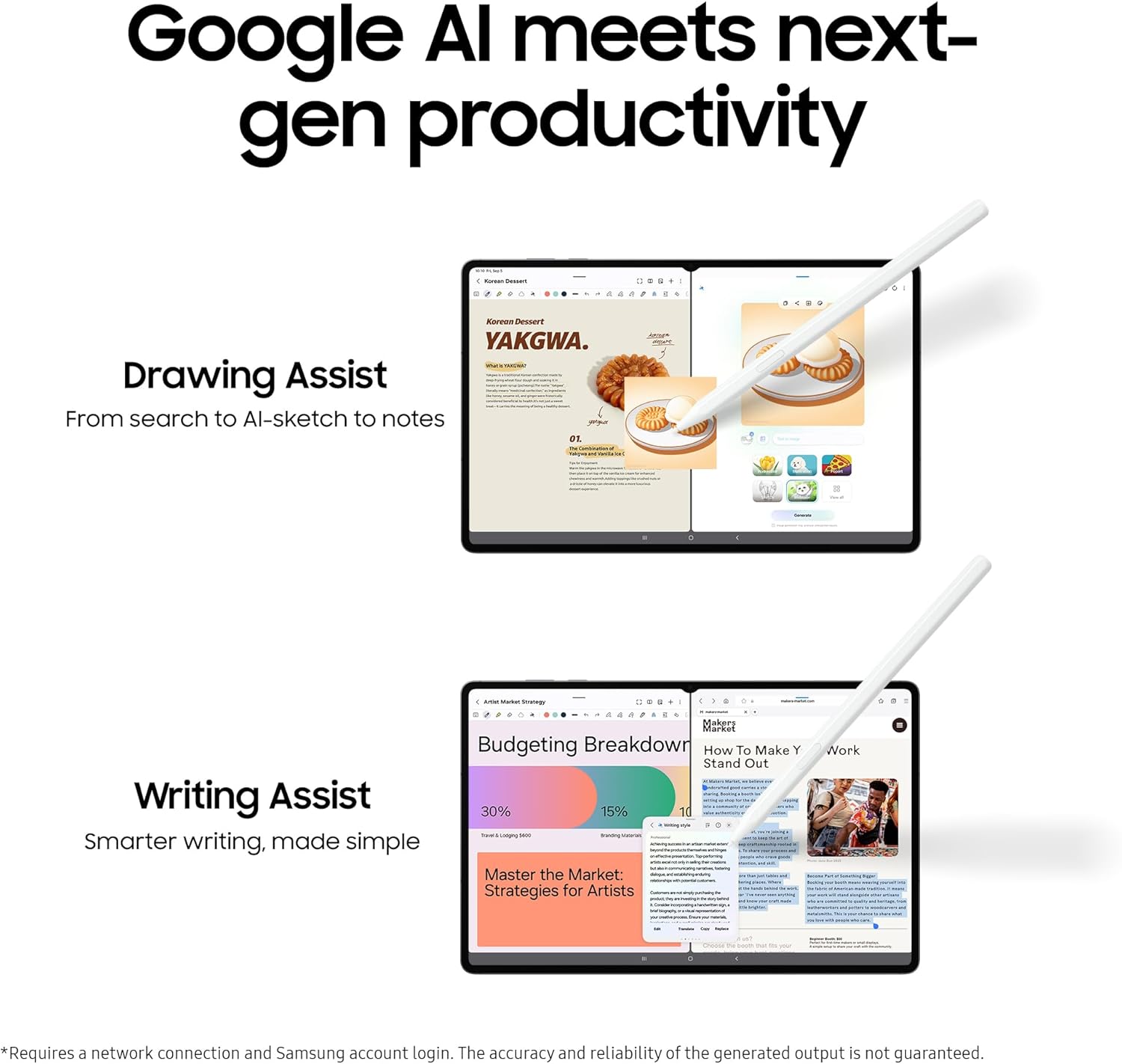
The S Pen is central to the creative argument.
For drawing, handwriting, masking, photo retouching and annotation, direct pen input changes how software feels.
A mouse is excellent for precision. A stylus can feel more natural when the task itself involves strokes and shapes.
Latency and pressure response matter more than a long feature list.
Samsung has spent years refining the interaction between its displays and pens, which gives the Tab Ultra line a mature foundation.
Performance Is No Longer the Main Limitation
The Tab S11 Ultra uses high-end MediaTek Dimensity hardware in the model covered by this article.
For Android productivity and creative applications, raw performance is strong.
The bigger question is software.
A tablet can have enormous processing power and still fail to replace a laptop if the exact desktop application, plug-in or workflow you need does not exist on Android.
That is why buyers should start with their software list rather than benchmark charts.
DeX Helps With Multitasking
Samsung DeX gives the tablet a more desktop-like environment with resizable windows and keyboard-and-mouse support.
On a 14.6-inch screen, that is far more useful than desktop mode on a small tablet.
You can keep a browser, notes and another application visible at once.
Still, DeX remains Android underneath.
File management, external-device behaviour and specialist professional software can differ from Windows or macOS.
For some workflows it is enough. For others it remains a companion rather than a replacement.
The Keyboard Changes the Value Equation
A tablet becomes much more laptop-like once you add a keyboard cover.
It also becomes more expensive and heavier.
When comparing the Tab S11 Ultra with a laptop, include the accessories you actually need.
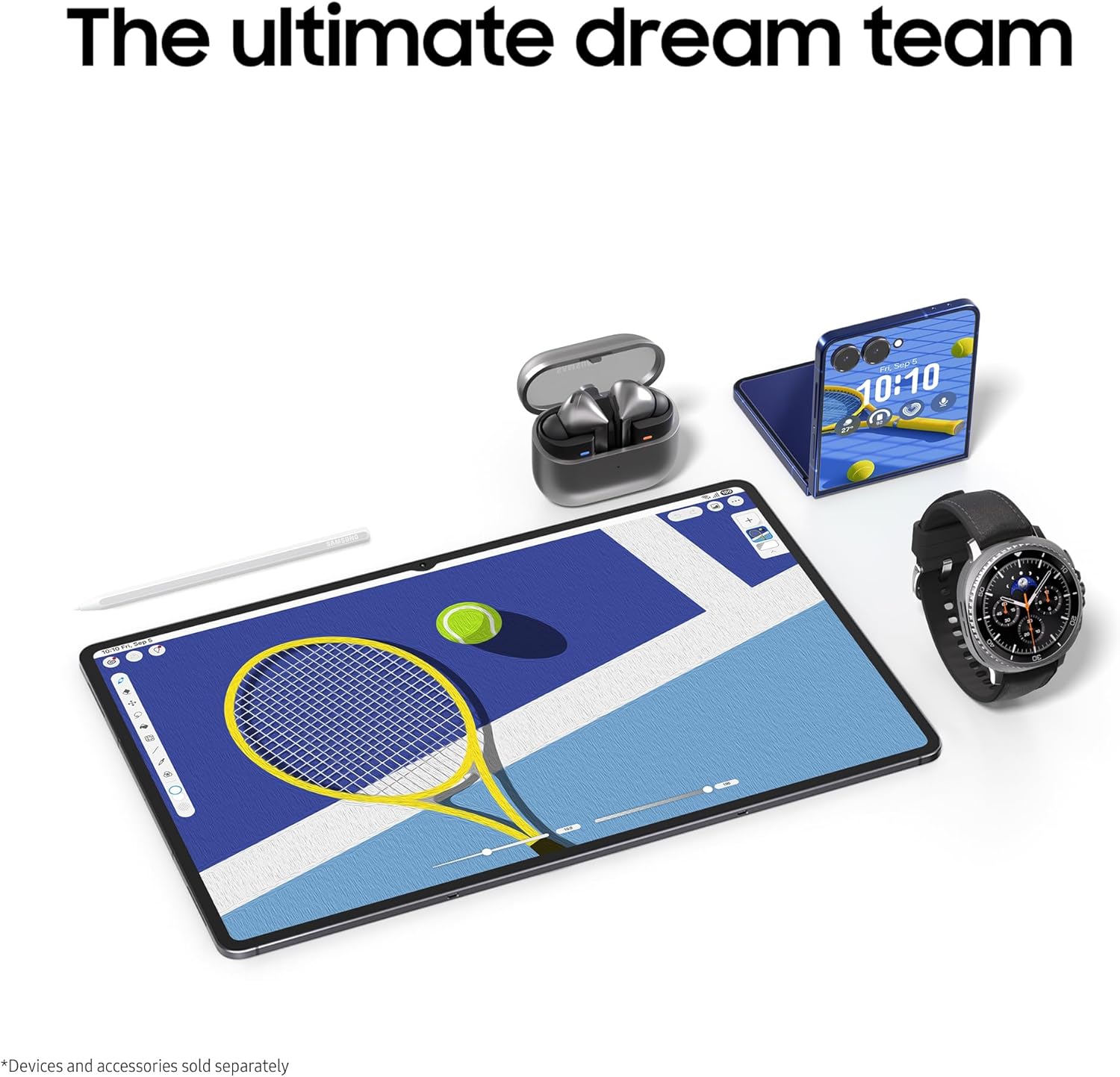
The tablet can be excellent for drawing and media in a way a conventional laptop is not.
The laptop may offer stronger desktop software and ports.
Neither automatically wins.
Who Should Buy It?
The Tab S11 Ultra is best suited to:
- digital artists
- photographers
- students who annotate heavily
- mobile video editors
- Samsung phone owners
- people who want one large screen for work and entertainment
- users whose main applications already work well on Android
Pros
- Huge 14.6-inch AMOLED display
- 120Hz refresh
- Strong S Pen experience
- Powerful Android hardware
- DeX multitasking
- Excellent media device
- Thin design for the screen size
Cons
- Very large for handheld tablet use
- Expensive once keyboard accessories are added
- Android still lacks some desktop applications
- Fewer ports than a laptop
- Laptop replacement depends heavily on workflow
Final Verdict
The Galaxy Tab S11 Ultra is one of the clearest examples of a tablet becoming a serious work machine without actually becoming a PC.
Its display and pen make it better than most laptops for sketching, handwriting and direct visual work.
Desktop operating systems still win when a workflow depends on specialist software, plug-ins or deeper file management.
For creators whose tools already live comfortably on Android, the Tab S11 Ultra can be a remarkable portable canvas.
For everyone else, it is best viewed as a premium companion to a computer rather than a guaranteed replacement.