
This post may contain affiliate links. If you buy something through one of these links, Tech Info Central may earn a small commission at no extra cost to you.
TP-Link EAP610 review buyers should understand one thing before looking at speeds or specifications: the EAP610 is a wireless access point, not a complete replacement for your router.
That distinction matters.
Connect the EAP610 to an existing network and it provides a dedicated Wi-Fi 6 access point that can improve wireless coverage and handle a large number of connected devices.
It is aimed at offices, cafés, hotels and other business environments, but it can also be an excellent option for enthusiasts who want more control over home Wi-Fi than a typical consumer router provides.
The EAP610 becomes particularly interesting when several Omada access points are used together.
TP-Link EAP610 Key Specifications
| Feature | TP-Link EAP610 |
|---|---|
| Wi-Fi standard | Wi-Fi 6, 802.11ax |
| Speed class | AX1800 |
| 2.4GHz maximum | Up to 574Mbps |
| 5GHz maximum | Up to 1201Mbps |
| Combined theoretical rate | 1775Mbps |
| Ethernet | Gigabit Ethernet |
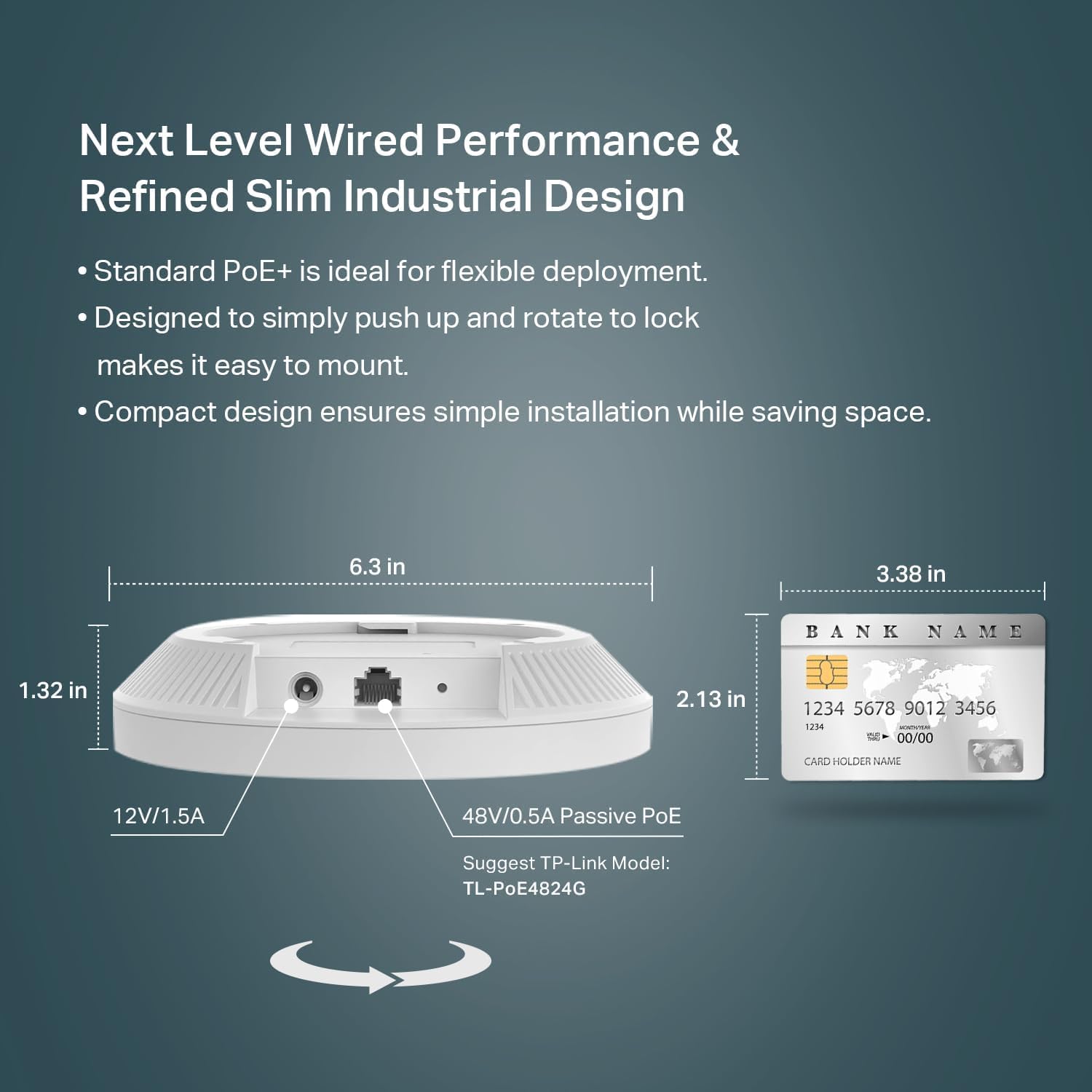
| Power | 802.3at PoE+, passive PoE and DC on supported hardware versions |
| Management | Standalone or Omada SDN |
| Mesh | Omada Mesh |
| Roaming | Seamless roaming when used with supported Omada management |
| Indoor dimensions | Around 160 × 160 × 33.6mm on V2 |
| Mounting | Ceiling or wall |
Hardware revisions can differ, so check the exact EAP610 version sold in your region before buying accessories or planning an installation.
Why Use an Access Point Instead of Another Router?
A common response to weak Wi-Fi is to buy a more powerful router.
Sometimes that works.
Sometimes the real problem is the location.
A router placed in one corner of a large house cannot magically overcome several concrete walls simply because the box says “high performance”.
An access point tackles the problem differently.
Run Ethernet to a better location, mount the EAP610 there and you effectively move the source of the Wi-Fi signal closer to the devices that need it.
That can produce a much bigger improvement than repeatedly replacing the router.
It is also easier to expand. If one access point cannot cover the entire property, another can be added.
Wi-Fi 6 and AX1800
The EAP610 is an AX1800-class Wi-Fi 6 device.
Its two bands offer theoretical maximum rates of up to 574Mbps on 2.4GHz and 1201Mbps on 5GHz.
Do not read those numbers as the speed one laptop will achieve in a normal room.
Wireless overhead, interference, walls, distance and the capabilities of the receiving device all reduce real-world throughput.
The more important part of Wi-Fi 6 is how efficiently the network handles several devices.
Features such as OFDMA and MU-MIMO are designed to improve communication when many clients are active.
That makes the EAP610 well suited to environments filled with laptops, smartphones, smart TVs, security devices and other connected hardware.
Placement Matters
Access point placement has a huge influence on performance.
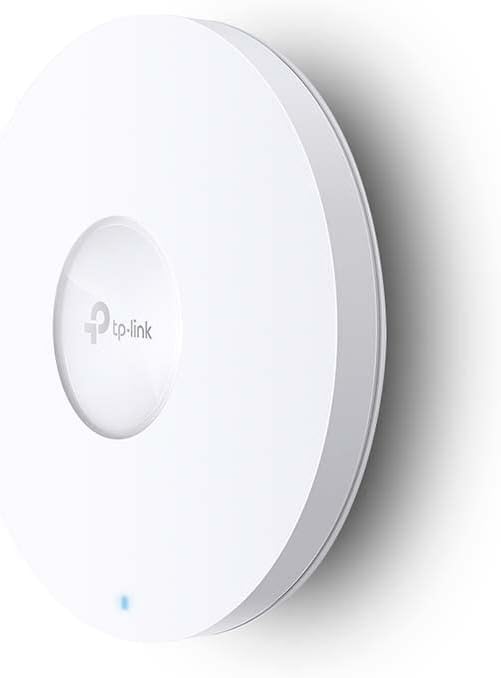
The EAP610’s circular design is intended for ceiling or wall installation rather than being hidden behind a television or pushed into a cupboard.
A central ceiling position will often provide better coverage than placing it at one edge of a property.
Ethernet backhaul is particularly valuable.
Wireless mesh can be useful when running cables is impractical, but a wired connection to each access point avoids using part of the wireless capacity for backhaul traffic.
If you are renovating or already have Ethernet through the building, that gives the EAP610 a strong foundation.
Power over Ethernet Makes Installation Cleaner
Power over Ethernet is one of the best features of business-style access points.
With a compatible PoE source, one Ethernet cable can carry both network data and electrical power.
That means the EAP610 can be mounted on a ceiling without needing a nearby mains socket.
A PoE switch is ideal when installing several access points.
For a smaller installation, a suitable PoE injector can accomplish the same job.
Some EAP610 hardware revisions also support DC power, giving buyers additional flexibility.
Standalone Mode
You do not need a complete Omada system to use one EAP610.
For a simple installation, the access point can operate in standalone mode.
That makes sense if you want to add reliable Wi-Fi to a single section of a home, shop or office without building a centrally managed network.
You configure the access point, create your wireless network and leave it to do its job.
For one AP, that may be all you need.
Why Omada Changes the Experience
The EAP610 becomes much more interesting when it joins TP-Link’s Omada ecosystem.
Omada can centrally manage access points, switches and gateways.
Instead of signing into each access point separately, an administrator can monitor and configure the network from one interface.
That becomes valuable the moment a network expands beyond one AP.
Settings can be applied consistently across multiple locations, guest networks can be managed centrally and administrators gain much clearer visibility into connected devices.
Seamless Roaming
Multiple access points introduce another problem.
Your phone needs to know when to leave one AP and connect to another.
With a properly configured Omada system and compatible client devices, seamless roaming technologies help make that transition smoother.
This is particularly useful during Wi-Fi calls or video meetings.
Walk from one side of an office to another and the network can encourage the device to move towards the access point offering the better connection.
The client’s own behaviour still plays a role, so no system can force every device to roam perfectly.
Omada Mesh
Ethernet remains the preferred connection between access points where practical.
Omada Mesh provides an alternative when cabling a particular location is difficult.
A mesh-connected EAP can use another compatible access point as its wireless path back to the network.
That can extend coverage into awkward areas without installing another data cable.
The cost is that wireless backhaul can reduce available capacity compared with a wired AP.
Use mesh because the location requires it, rather than automatically using it everywhere.
Who Should Buy the EAP610?
The EAP610 makes sense for:
- small businesses
- cafés and restaurants
- offices
- large homes
- multi-storey properties
- users with Ethernet already installed
- homes with many connected devices
- people building an Omada network
- anyone who prefers dedicated access points over consumer mesh kits
It may be excessive for a small flat already covered perfectly by one modern router.
EAP610 vs EAP610-Outdoor
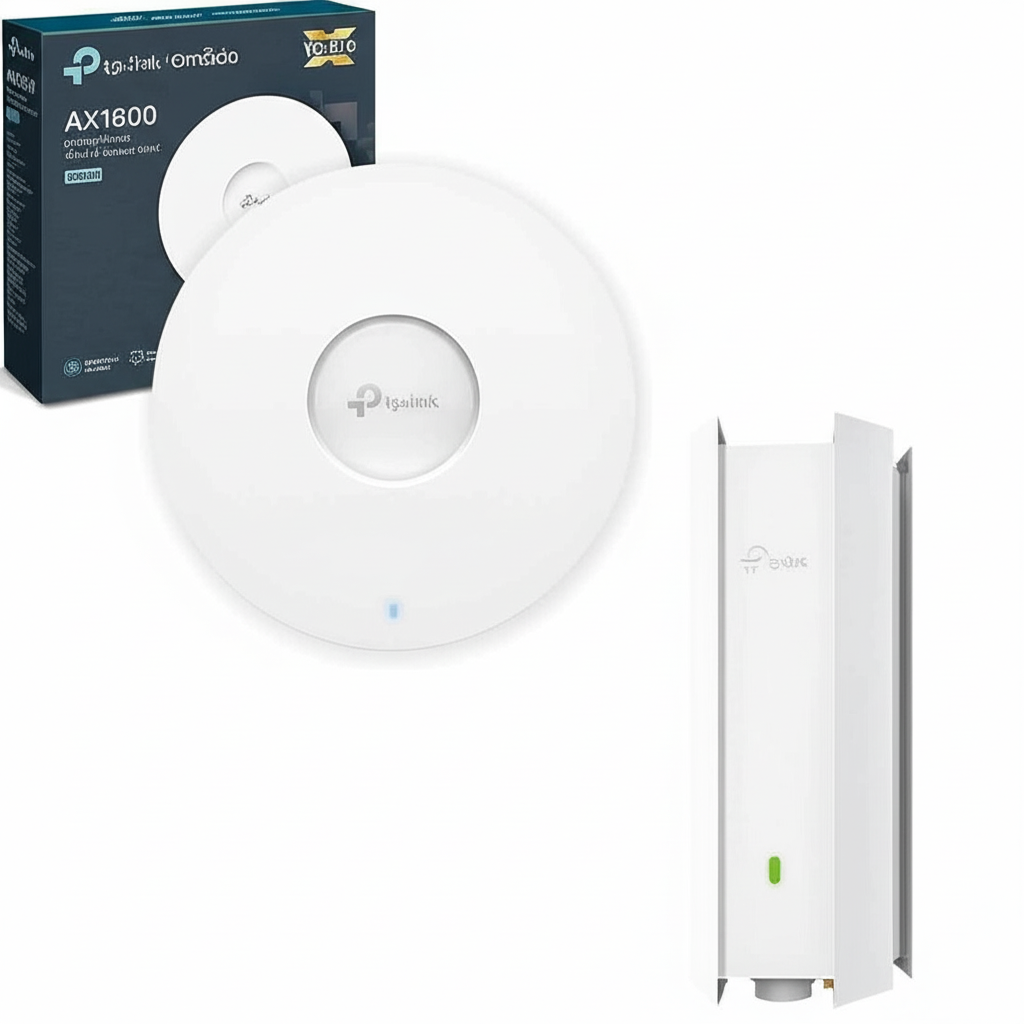
Do not accidentally confuse the standard indoor EAP610 with the EAP610-Outdoor.
They share similar Wi-Fi technology, but their physical design and installation requirements are different.
The outdoor version uses a weather-resistant enclosure and antennas designed for outside coverage.
For an ordinary indoor ceiling installation, buy the standard EAP610.

Pros
- Wi-Fi 6 support
- Strong feature set for the price
- PoE installation
- Omada central management
- Mesh support
- Seamless roaming support
- Good option for multiple-AP networks
- Discreet ceiling-mount design
- Can operate without an Omada controller
Cons
- Gigabit Ethernet limits wired throughput to 1Gbps
- Requires a separate router
- Full Omada setup is more complex than a basic consumer mesh system
- Best results may require Ethernet cabling
- Hardware revisions can make specifications slightly confusing
Final Verdict
The TP-Link EAP610 is a strong choice for people who have moved beyond the idea that one router should cover an entire building.
Its greatest strength is flexibility.
Use one as a straightforward standalone access point, or deploy several as part of a centrally managed Omada network with roaming, guest access and mesh capabilities.
For a normal small home with excellent existing Wi-Fi, there may be little reason to buy one.
For a larger property, busy office or home network where reliability matters more than having the simplest possible setup, the EAP610 offers a practical route towards much better Wi-Fi.
Buy TP-Link EAP610 Access Point
Choose your region to get the best deal and fastest delivery on the TP-Link EAP610 Access Point.
Buy TP-Link EAP610 Omada Outdoor Access Point
Grab the EAP610 Outdoor Access Point and enjoy seamless high-speed coverage in any weather.
Some of the links in this post are affiliate links. If you make a purchase through them, I may earn a small commission at no extra cost to you. It helps support the site and keeps the content going. Thanks for your support!