

This post may contain affiliate links. If you buy something through one of these links, Tech Info Central may earn a small commission at no extra cost to you.
Best gaming laptops 2026 searches can quickly become confusing because two machines with the same graphics processor can perform very differently once cooling, power limits, display resolution and chassis size enter the picture.
The old habit of choosing the laptop with the biggest GPU name is no longer enough.
A thin RTX 5070 laptop tuned for lower power may behave very differently from a larger model using the same GPU class. At the top end, RTX 5080 and RTX 5090 machines can deliver excellent performance, but their price and size make them difficult to justify unless you genuinely need that level of hardware.
For most buyers, the sweet spot is a well-cooled RTX 5060 or RTX 5070-class laptop with a strong display and enough memory and storage for several years of use.
Gaming Laptop Buying Guide
| Priority | What to Look For |
|---|---|
| Best overall balance | RTX 5060 or RTX 5070 class |
| High-end gaming | RTX 5080 or RTX 5090 class |
| Display | 1600p or similar, high refresh rate |
| Memory | 16GB minimum, 32GB preferable for premium systems |
| Storage | 1TB SSD is the practical starting point |
| CPU | Modern Intel Core Ultra or AMD Ryzen mobile processor |
| Cooling | Large vents, multiple heat pipes or vapour chamber depending on model |
| Battery | Treat gaming battery life as secondary to plugged-in performance |
The GPU Matters Most, But Not by Itself
The graphics processor remains the single biggest influence on gaming performance.
An RTX 5060-class laptop is already capable of excellent 1080p and 1600p gaming with sensible settings. RTX 5070 systems give you more room for demanding games and higher refresh rates.
RTX 5080 and RTX 5090 laptops are aimed at buyers who want maximum frame rates, high-resolution gaming, demanding creative workloads or a desktop-replacement system.
The important detail is power allocation.
Laptop GPUs operate within manufacturer-defined power limits, so a larger chassis can sometimes sustain higher performance than a very thin machine carrying the same GPU label.
That is why independent performance testing matters more than the specification line alone.
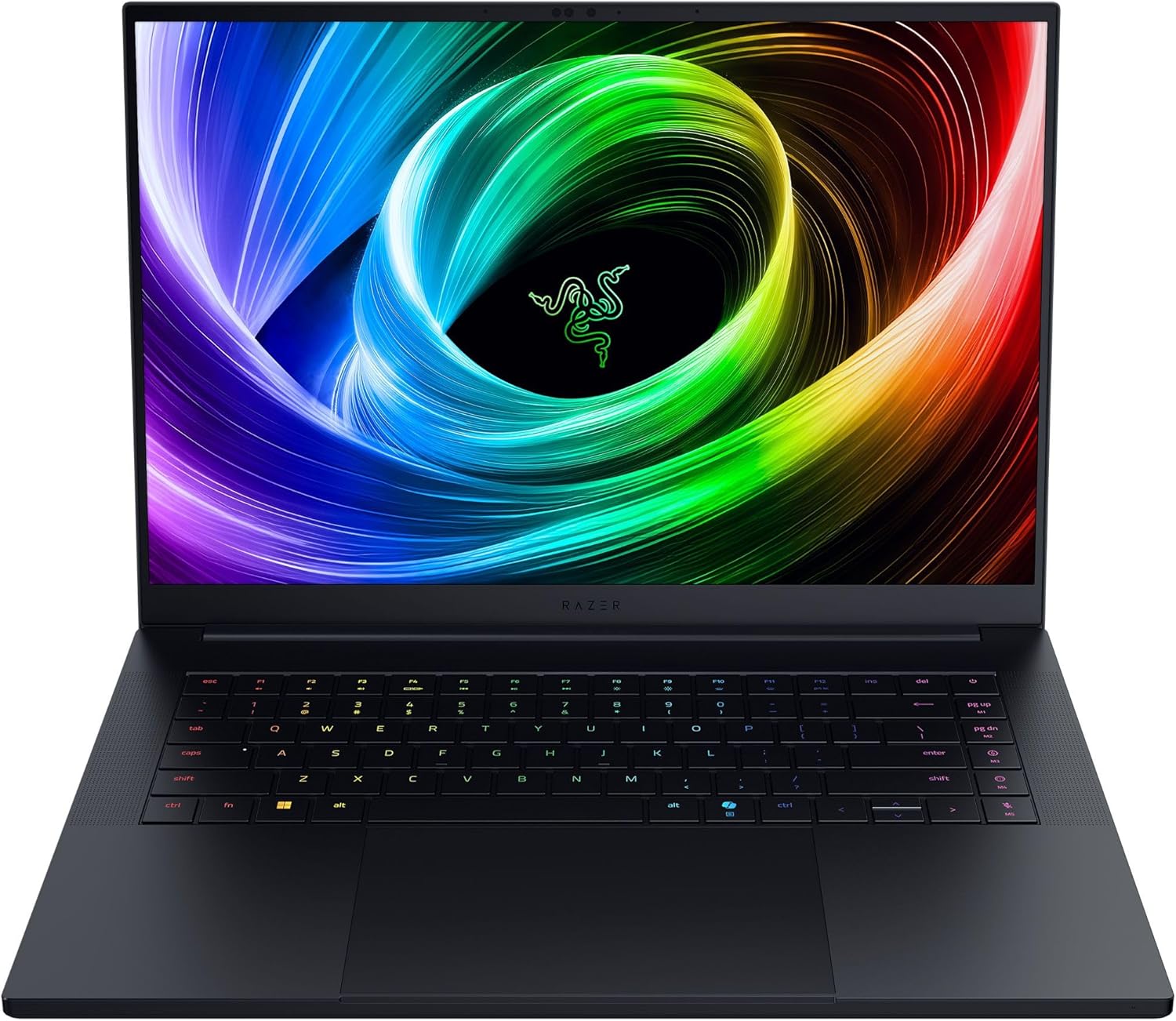
Razer Blade 18: Premium Desktop Replacement
The latest Razer Blade 18 sits firmly in the premium category.
Its attraction is the combination of a large high-refresh display, powerful current-generation Intel hardware and configurations reaching the RTX 5090 laptop GPU.
It is not a sensible purchase if portability or value is the priority.
It makes more sense for somebody who wants one machine for high-end gaming, video work and heavy desktop use while still retaining the ability to carry it between locations.
Lenovo Legion Pro Series: Strong Performance Focus
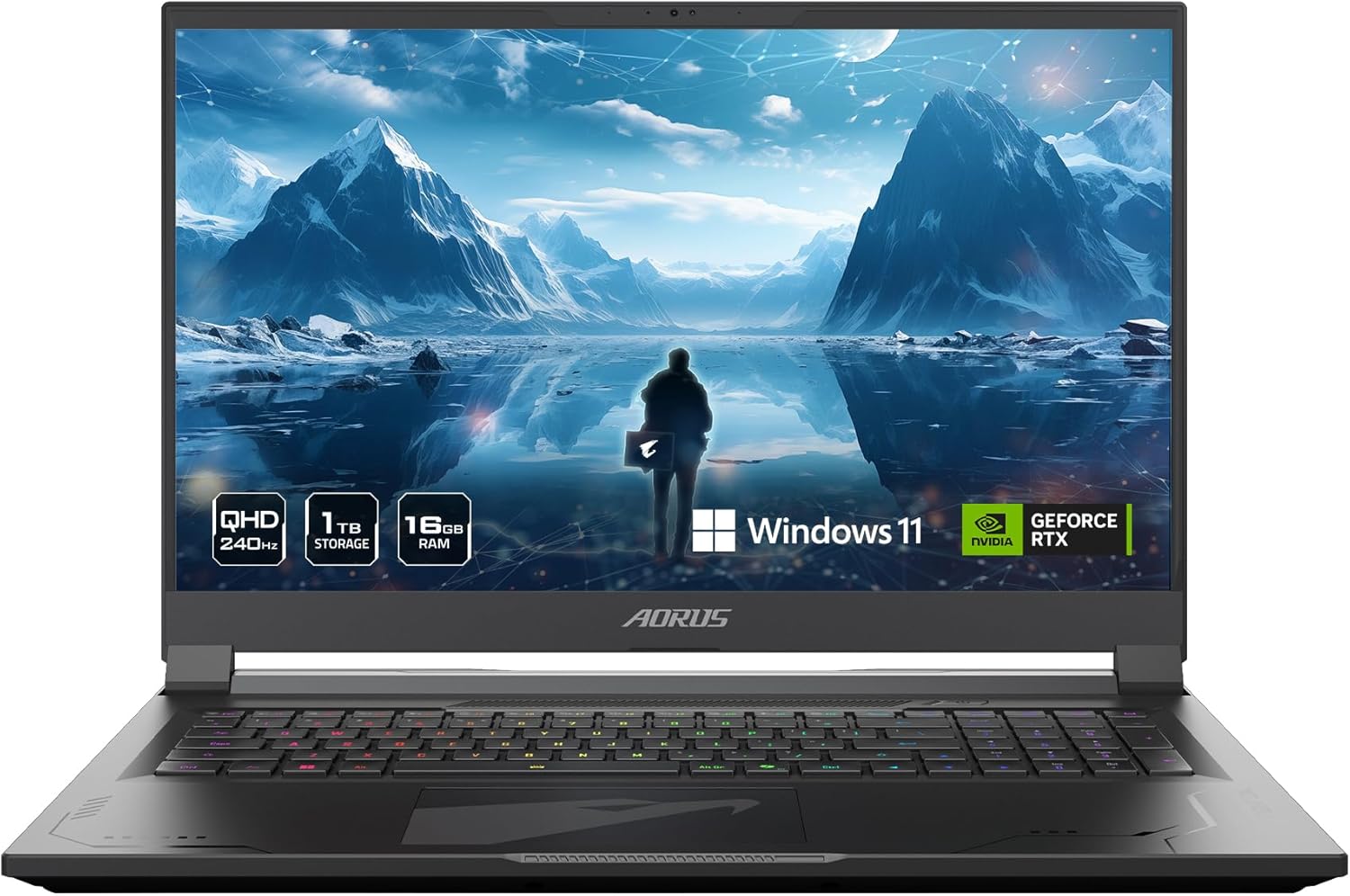
Lenovo’s Legion Pro laptops continue to make sense for buyers who care more about cooling and sustained gaming performance than creating the thinnest possible chassis.
The Legion Pro 7i family is particularly relevant at the upper end, where powerful GPUs need enough thermal headroom to perform consistently.
Legion machines are also worth watching because discounts often make them more attractive than their launch prices suggest.
Alienware Area-51: Big Chassis, Big Ambitions
Alienware’s current Area-51 laptops return to the unapologetic desktop-replacement idea.
The 16-inch version can combine an OLED high-refresh display with high-end Intel and NVIDIA hardware.
The trade-off is obvious.
A machine designed around maximum performance will be heavier, thicker and less convenient to use away from a power socket than a mainstream laptop.
For someone who wants a portable workstation that happens to play games extremely well, that can be a reasonable compromise.

The Mid-Range Is Where Most People Should Shop
The most interesting gaming laptops are often one or two tiers below the flagships.
An RTX 5060 or RTX 5070 system paired with a good 1600p display can deliver an excellent experience without the extreme pricing of a 5080 or 5090 machine.
Spend the savings on things you will notice every day:
- 32GB of RAM
- a 1TB or 2TB SSD
- a brighter display
- a better keyboard
- stronger cooling
- a longer warranty
Those upgrades often improve ownership more than chasing a small frame-rate advantage.
Do You Need OLED?
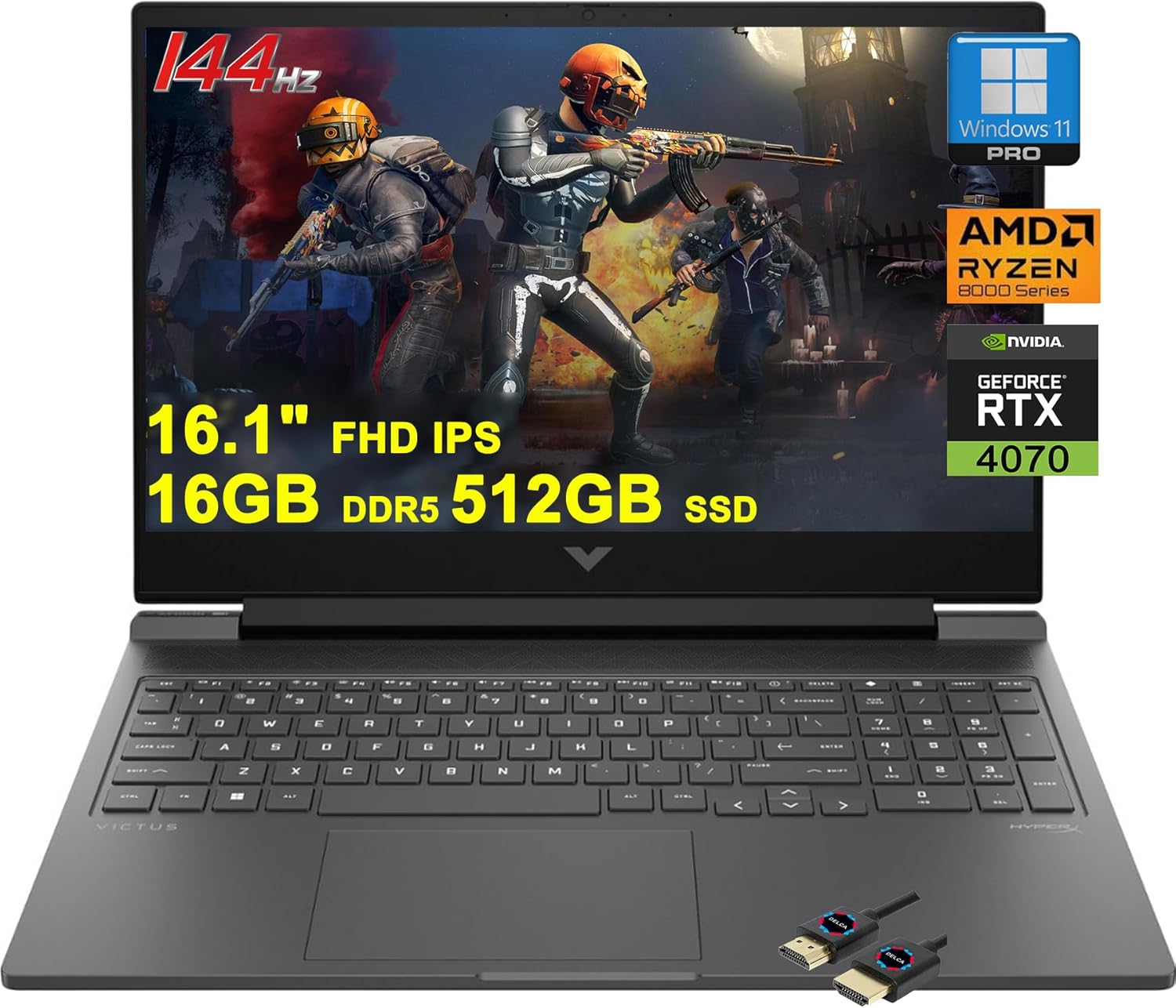
OLED laptop displays have become increasingly common in premium gaming systems.
They provide superb contrast, fast pixel response and excellent HDR presentation.
Mini-LED and high-quality IPS panels still have advantages, including strong brightness and, in some models, less concern about long-term static interface elements.
For games and films, OLED is extremely appealing.
For a laptop that spends ten hours a day showing static productivity software, panel choice deserves a little more thought.

16GB or 32GB of RAM?
Sixteen gigabytes remains usable for gaming, but 32GB is the more comfortable target for a new mid-range or premium laptop in 2026.
Modern games, browsers, launchers, voice chat, streaming tools and background software can consume memory surprisingly quickly.
If the laptop uses upgradeable memory, starting with 16GB is less concerning.
If the RAM is soldered, buy enough on day one.
Storage Fills Faster Than You Think
A 512GB SSD can feel restrictive after Windows, applications and several large games are installed.
One terabyte is a much more practical starting point.
Also check whether the laptop provides a second M.2 slot. Being able to add another SSD later is far cheaper and easier than replacing the entire system.
Battery Life Is Still Not the Main Gaming Metric
Modern gaming laptops have improved substantially when performing light tasks away from the charger.
That does not mean you should expect full gaming performance on battery.
High-end CPUs and GPUs consume far more power than a laptop battery can comfortably provide for long periods.
Think of battery life as useful for browsing, documents and video playback.
For serious gaming, plug in.
What We Would Avoid
Be cautious with a laptop that combines a powerful GPU with:
- an unusually low-resolution or dim display
- only 8GB of RAM
- a tiny SSD
- weak cooling
- non-upgradeable memory at the minimum capacity
- a price close to a clearly faster model
The specification sheet should make sense as a complete system.

Final Verdict
The best gaming laptop in 2026 is not automatically the most expensive one.
Most buyers should concentrate on a well-cooled RTX 5060 or RTX 5070-class machine with 16GB to 32GB of RAM, at least a 1TB SSD and a genuinely good display.
High-end systems such as the Razer Blade 18, Legion Pro 7i and Alienware Area-51 are exciting, but they make sense only when you will use the extra performance.
Choose the complete laptop, not just the GPU badge.