This post may contain affiliate links. If you buy something through one of these links, Tech Info Central may earn a small commission at no extra cost to you.
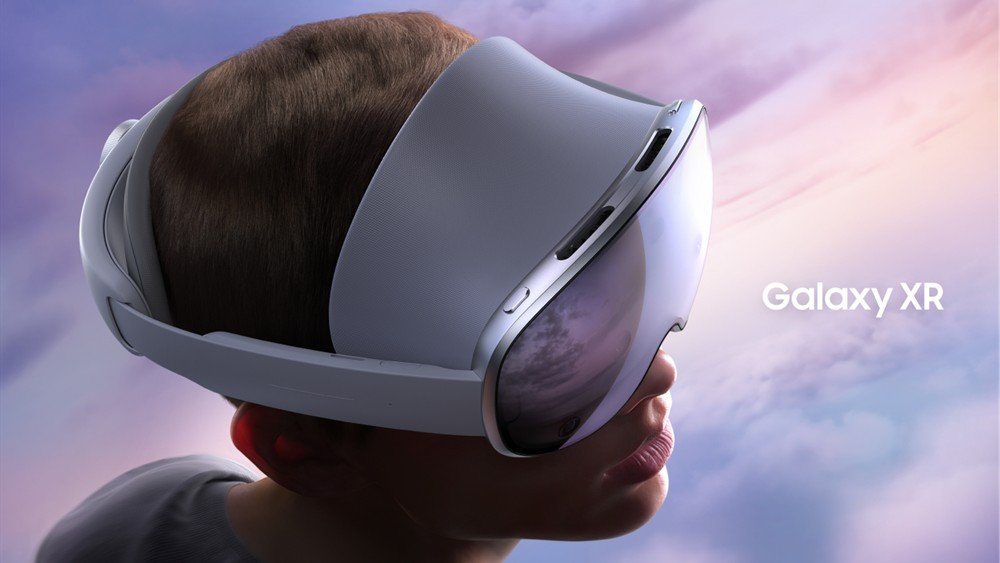
A Samsung Galaxy XR review matters for more than Samsung. This is the first major headset built around Google’s Android XR platform, making it the clearest attempt yet to create a broad Android alternative to Apple’s Vision Pro ecosystem.
At $1,799.99 in the US, it is still expensive consumer technology. The difference is that Samsung, Google and Qualcomm are trying to build an open software category around it rather than one isolated headset.
The Hardware
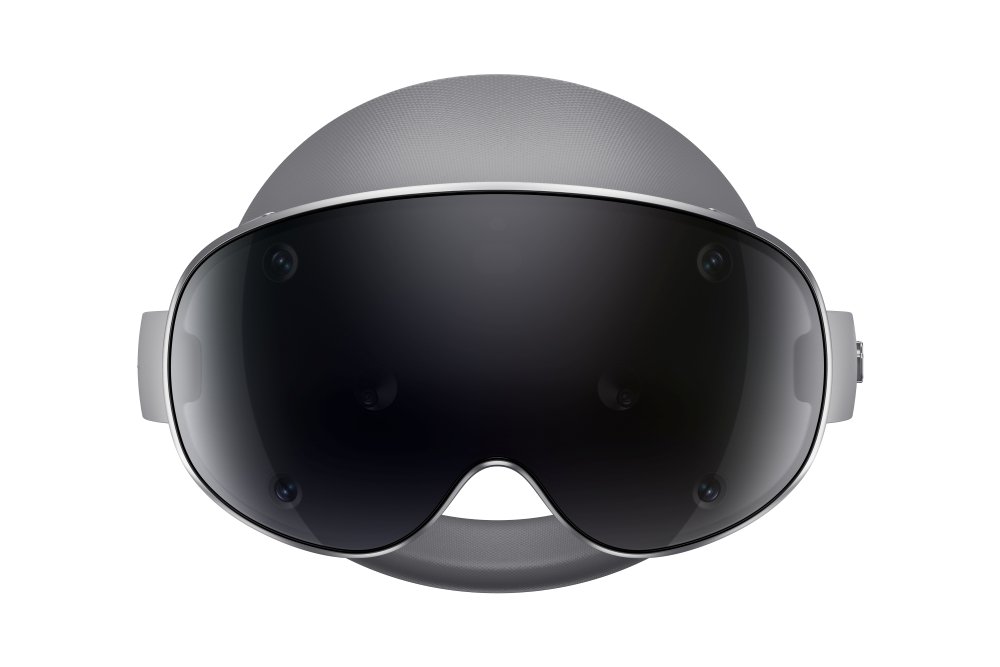
Galaxy XR uses micro-OLED displays with a resolution of 3552 x 3840 and roughly 27 million pixels across the display system. Samsung supports refresh rates of 60Hz, 72Hz and 90Hz.
The headset includes 16GB of memory and 256GB of storage. Snapdragon XR2+ Gen 2 hardware handles the demanding combination of graphics, camera feeds, tracking and spatial computing.
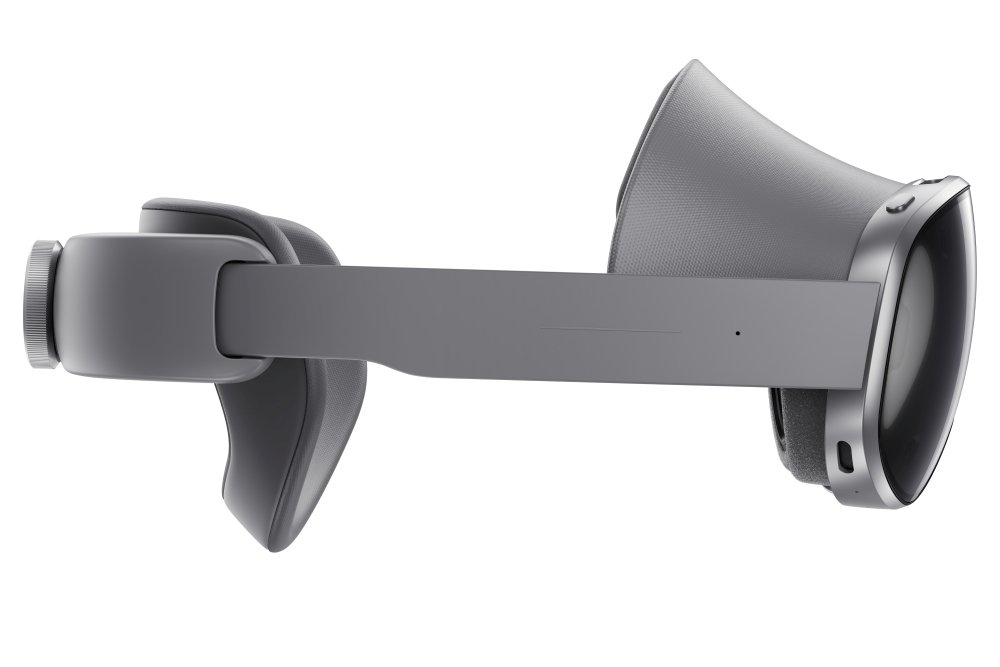
At about 545g before the external battery, the headset remains substantial. Weight distribution and fit therefore matter just as much as processor performance.
Android XR Is the Bigger Story
The most important feature may be the operating system.
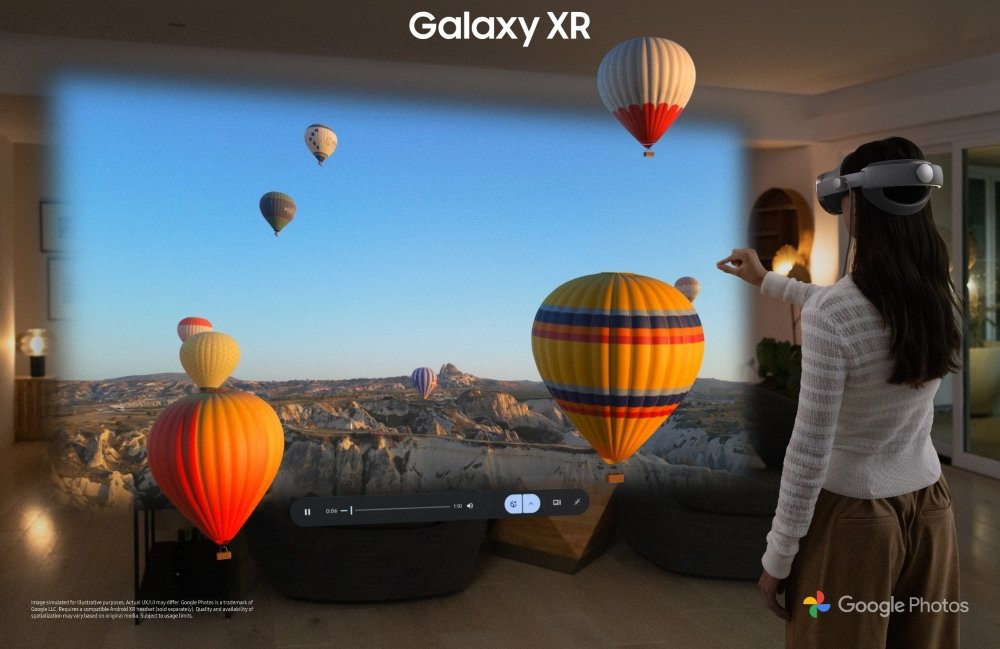
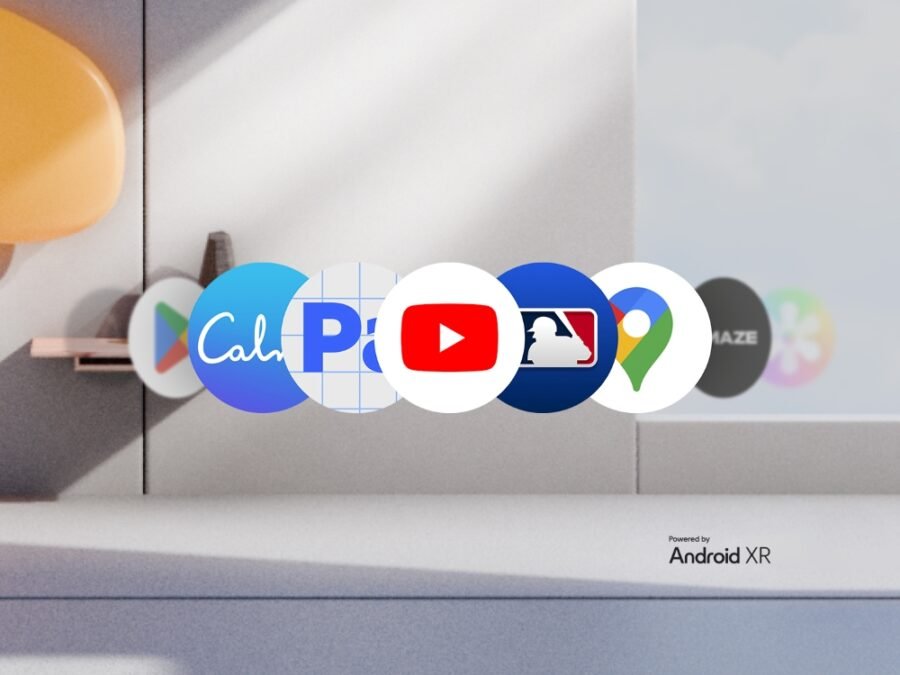
Android XR gives Google and hardware partners a common platform for spatial applications. Samsung says most conventional Android apps can also run in the environment, alongside software designed specifically for XR.
That existing app ecosystem gives Galaxy XR a stronger starting point than a completely new platform would have.
Gemini Is Built Into the Experience
Google Gemini is integrated into Galaxy XR so users can ask questions about applications, digital content and parts of the physical environment visible through the headset.
This is where AI can feel more natural than in a chat window. If the system can understand what you are looking at, voice interaction can become a practical navigation tool rather than another app to open.
The quality of the experience will depend on how reliably Gemini understands context and how quickly developers make use of Android XR’s capabilities.
Eyes, Hands and Voice
Galaxy XR supports eye tracking, hand tracking and voice control.
That allows menus to be selected by looking and gesturing rather than holding a controller for every basic interaction. Samsung also sells dedicated controllers separately for applications that benefit from physical input.
Natural input is essential for productivity because wearing a headset becomes tiring quickly if every small action requires exaggerated arm movement.
Entertainment
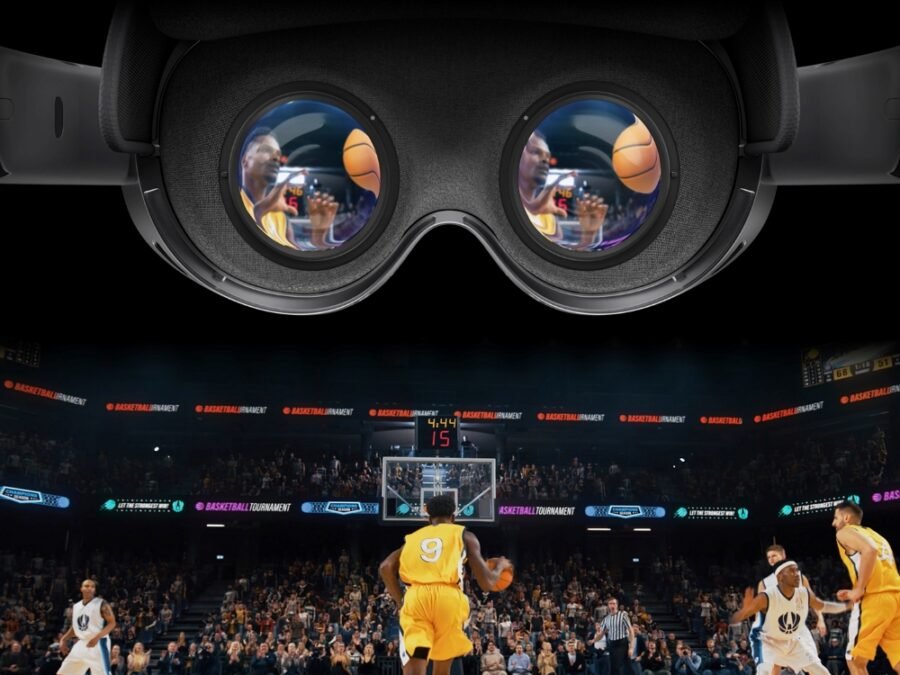
High-resolution micro-OLED displays make Galaxy XR particularly well suited to films, virtual large-screen viewing and immersive video.
This is one of the easiest spatial-computing use cases to understand. A headset can create a cinema-sized display in a small bedroom, aircraft seat or hotel room.
The drawback is comfort. A virtual 100-inch screen is less appealing if the headset becomes uncomfortable after one film.
Productivity
Spatial desktops can place several large windows around the user without requiring physical monitors.
That can be useful for focused work, but it does not automatically replace a laptop. Typing still requires a practical keyboard solution, and wearing a headset for an entire working day remains a major ergonomic challenge.
Battery Life
Galaxy XR uses an external battery pack, with typical use measured in hours rather than an entire day.
That is normal for this class of headset but highlights the gap between spatial-computing ambition and current battery technology.
Pros
- High-resolution micro-OLED displays
- Android XR platform
- Gemini integration
- Hand and eye tracking
- Broad Android app foundation
- Far cheaper than some ultra-premium spatial systems
Cons
- $1,799.99 is still expensive
- External battery adds another component
- Headset weight limits all-day comfort
- XR app ecosystem is still developing
- Controllers cost extra
Final Verdict
Galaxy XR is important because it gives Android a serious spatial-computing platform.
The hardware is advanced, but the long-term success of the product will depend on software, developer support and whether people discover reasons to use XR after the novelty fades.
Early adopters and developers have the clearest reason to buy now. Mainstream users should watch how Android XR develops before treating Galaxy XR as a replacement for conventional screens.