
This post may contain affiliate links. If you buy something through one of these links, Tech Info Central may earn a small commission at no extra cost to you.
A Razer Pro Click V2 Vertical review should avoid one common claim: a vertical mouse cannot promise to fix wrist pain.
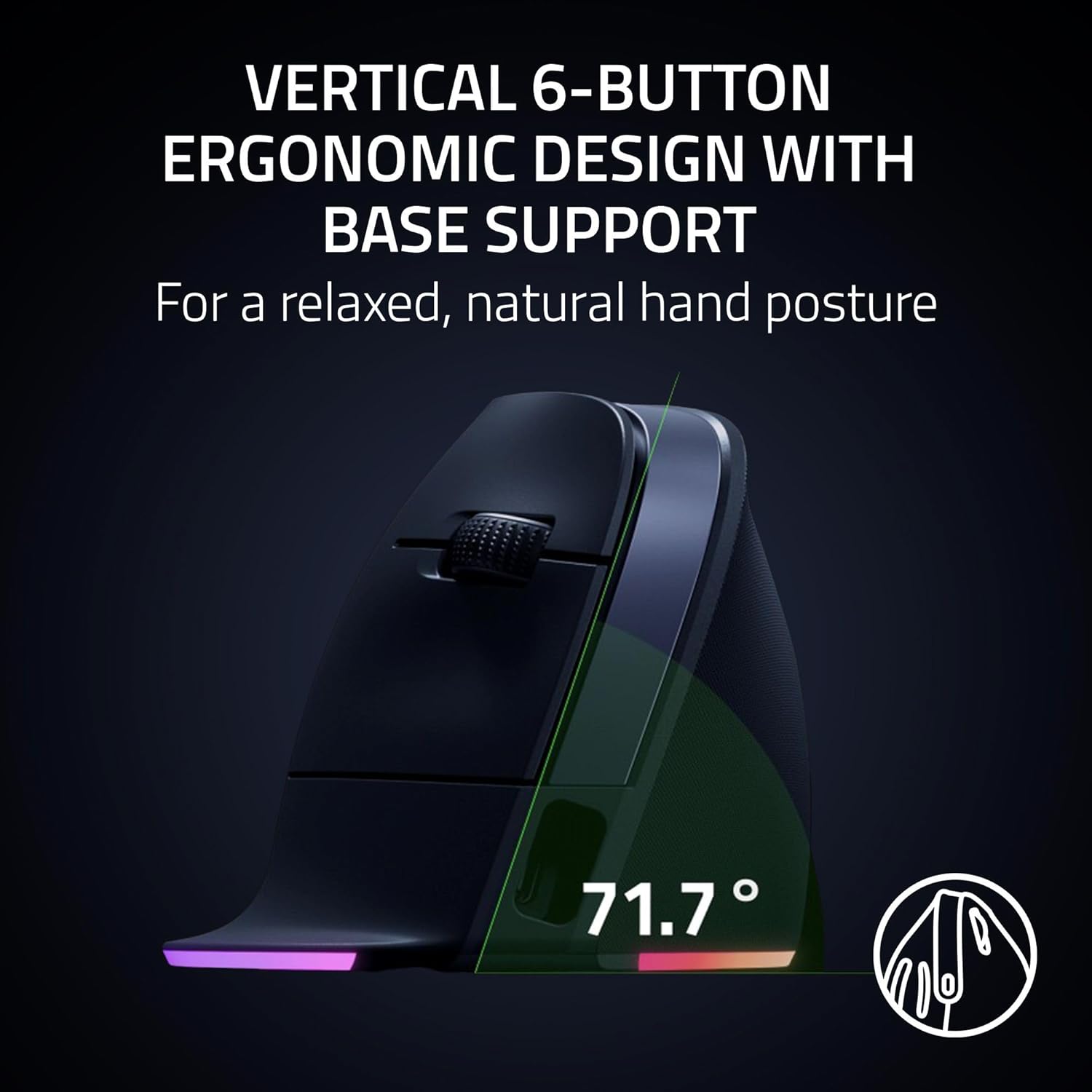
What it can do is change the position of your hand.
The Pro Click V2 Vertical rotates the grip towards a handshake-style posture while keeping the precise sensor, wireless performance and customisation expected from Razer.
That makes it an interesting bridge between ergonomic office hardware and enthusiast peripherals.
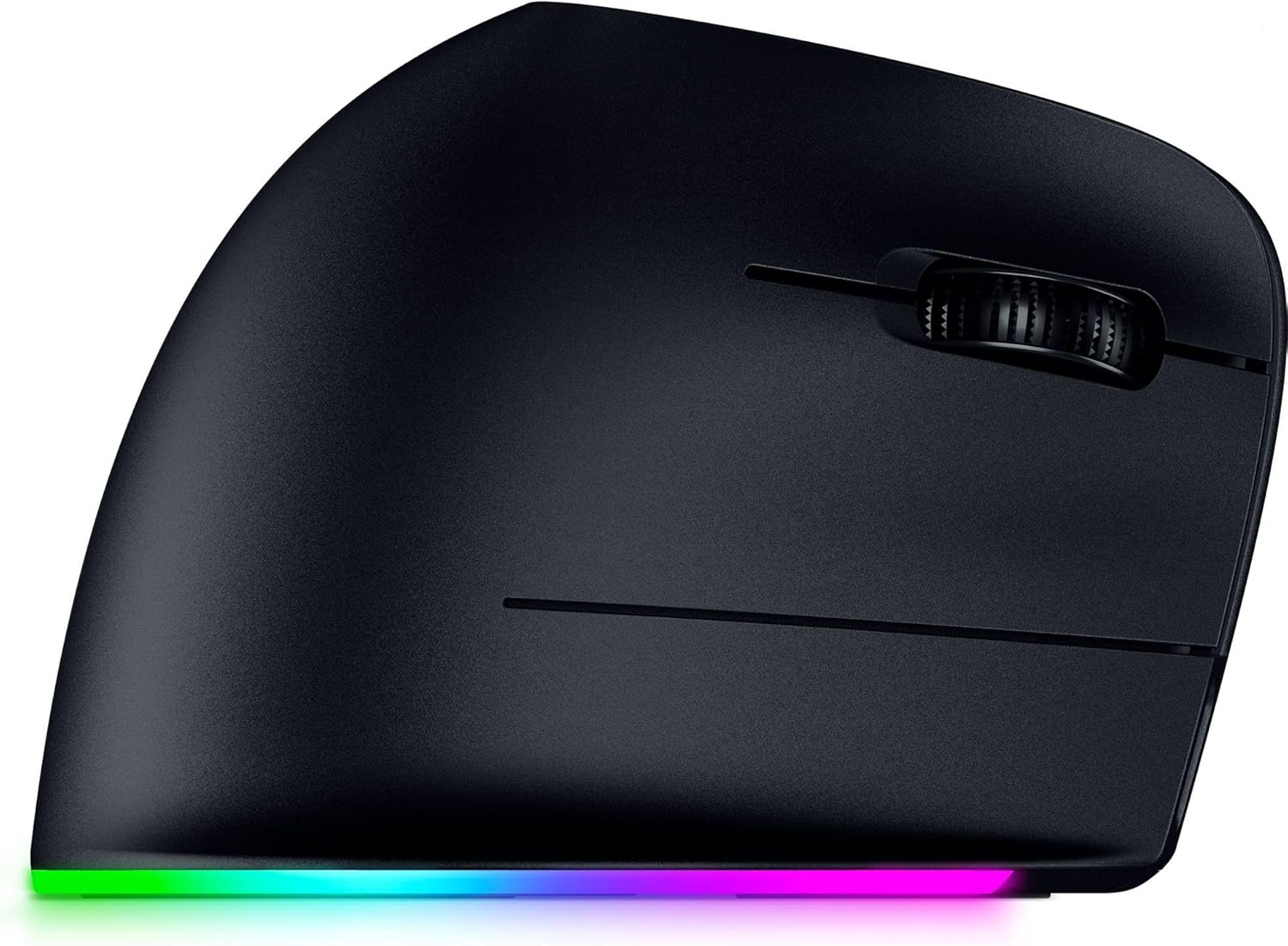
The Vertical Shape Is the Main Decision
A normal mouse keeps your palm facing down.
A vertical design rotates the forearm and hand into a more neutral position for many users.
Some people find that immediately more comfortable. Others need several days to adjust, and a few never prefer it.
Hand size matters too.
Ergonomics is personal, so buying from a retailer with a sensible return policy is valuable if you have never used a vertical mouse.
A 30K Sensor Is Far More Than Office Work Requires
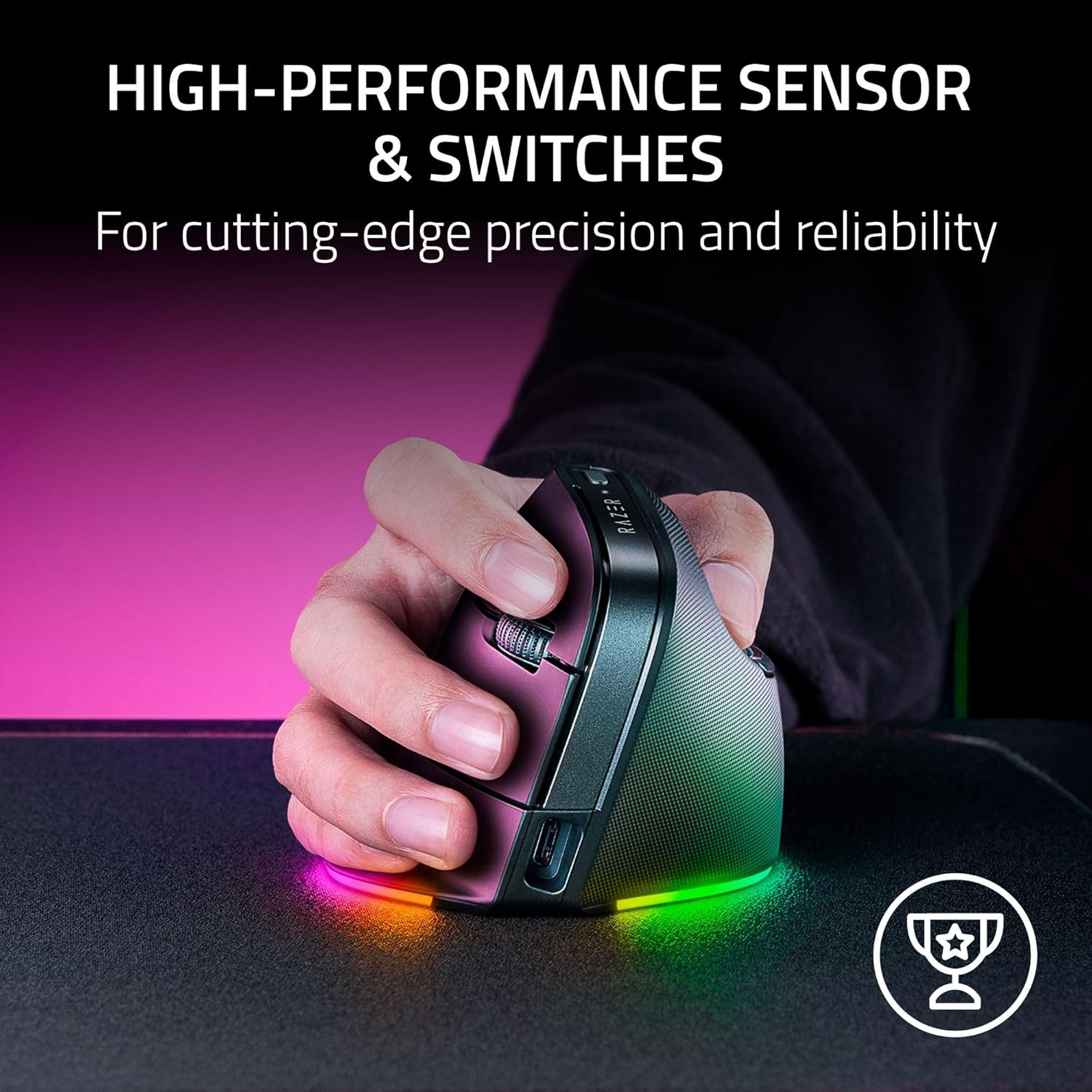
Razer uses a Focus Pro 30K optical sensor.
That level of tracking capability is excessive for spreadsheets and email, but excess is not necessarily bad.
A precise sensor gives the mouse consistent tracking across a wide range of sensitivity settings and display setups.
It also means you do not have to give up gaming-grade cursor performance simply because you chose an ergonomic shape.
Whether you would actually game competitively with a vertical mouse is another question. Shape and muscle memory matter more than DPI numbers once you are playing seriously.
Wireless Options Are Flexible
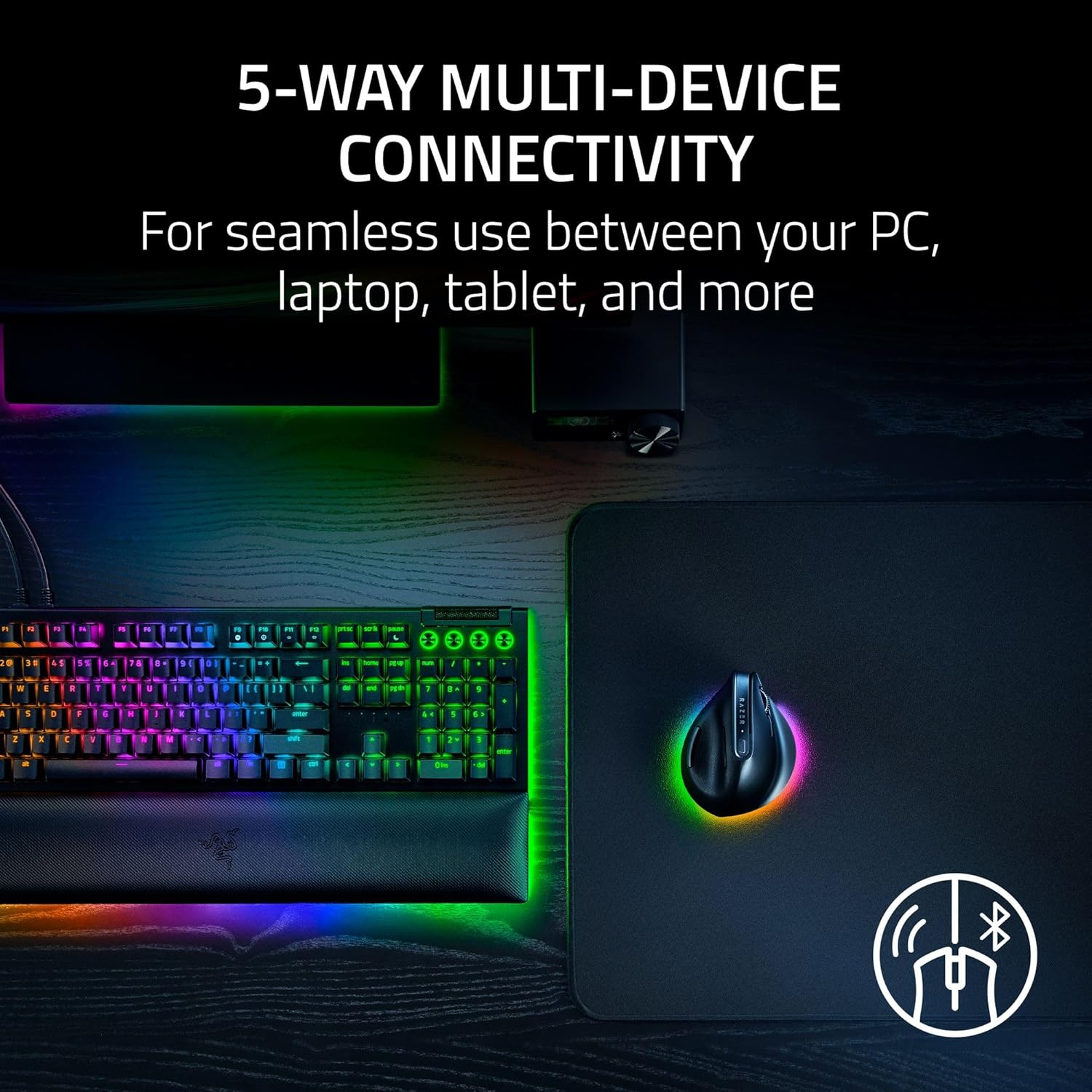
The Pro Click V2 Vertical supports Razer’s low-latency 2.4GHz HyperSpeed connection, Bluetooth and wired USB-C operation.
That makes it practical across several devices.
You can keep the fast wireless receiver attached to a primary computer and use Bluetooth with another machine.
Multi-device support is particularly useful for people switching between a work laptop and personal desktop.
Buttons and Software
The mouse includes programmable controls that can be reassigned through Razer’s software.
For productivity, shortcuts are often more useful than lighting.
Copy, paste, browser navigation, application switching and custom macros can save time when placed under the thumb.
Razer also promotes AI-related shortcut features in Synapse.
Those may be useful, but they should not be the reason to buy the mouse. Software features change more quickly than good hardware.
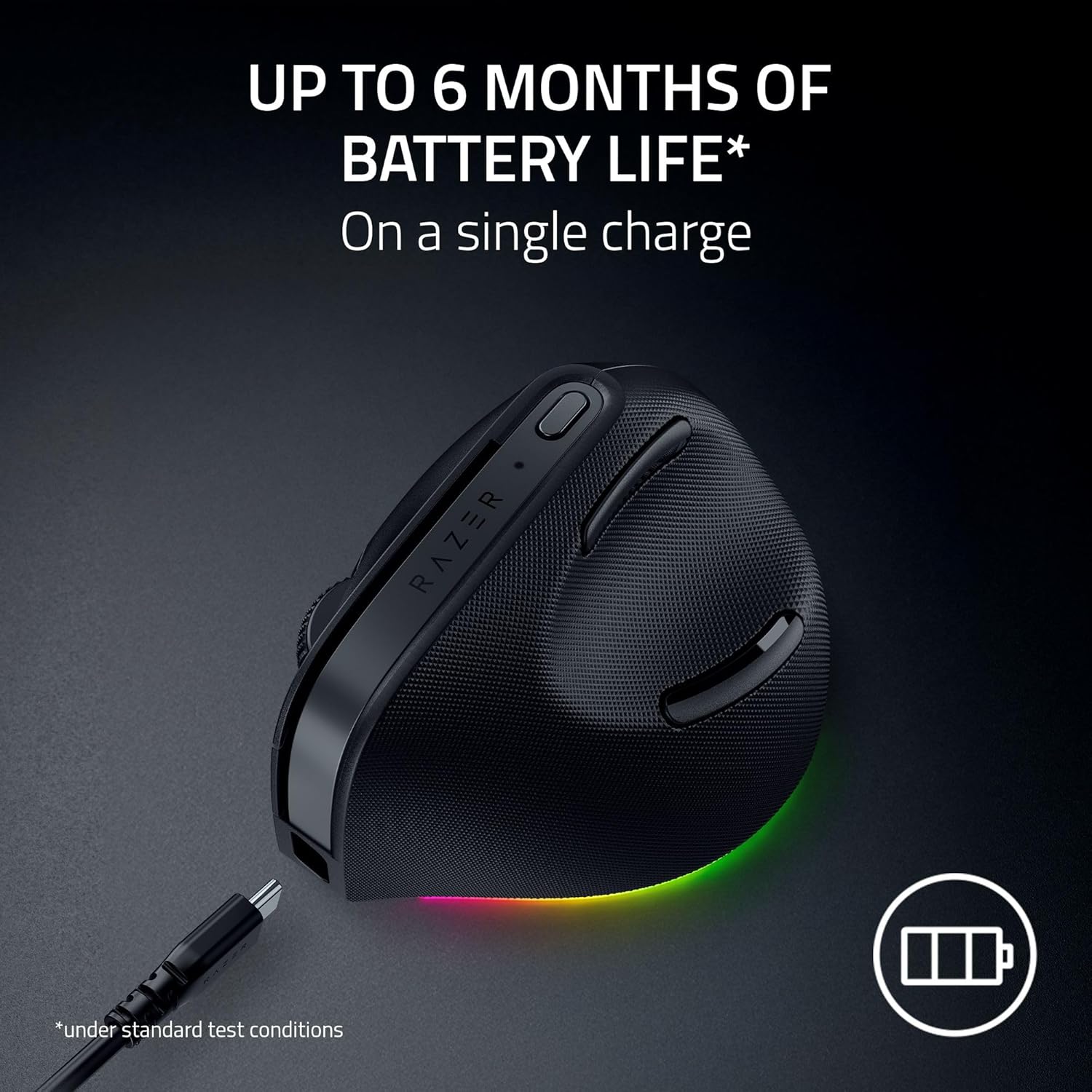
Battery Life Is Designed for Work
Razer quotes long battery life measured in months under suitable Bluetooth use.
Real endurance depends on connection type, polling behaviour and how often the mouse is used.
The important part is that this is not designed like a wireless gaming mouse that needs frequent charging.
USB-C also means you can continue using it while charging.
Who Should Buy It?
The Pro Click V2 Vertical makes sense for:
- office workers
- editors
- developers
- people curious about a more neutral wrist position
- users switching between several computers
- anyone who wants a vertical mouse without giving up a high-quality sensor
Pros
- Vertical ergonomic shape
- High-end optical sensor
- 2.4GHz, Bluetooth and wired modes
- Programmable buttons
- Long claimed battery life
- Multi-device flexibility
- USB-C charging
Cons
- Vertical shape requires adjustment
- Comfort varies by hand size
- More expensive than basic ergonomic mice
- Gaming-grade sensor is unnecessary for ordinary office work
Final Verdict
The Razer Pro Click V2 Vertical is unusual because it treats an ergonomic mouse as premium computer hardware rather than a medical-looking office accessory.
The sensor, connectivity and software are all more capable than most productivity users require.
That is part of the appeal.
If the shape suits your hand, you get comfort-focused design without sacrificing precision or multi-device flexibility.
If you have never used a vertical mouse, try the shape before assuming it will solve every wrist problem.